HTML, CSS, JavaScript, React, Next.js, Git: step-by-step tutorials to build your own website or tool.
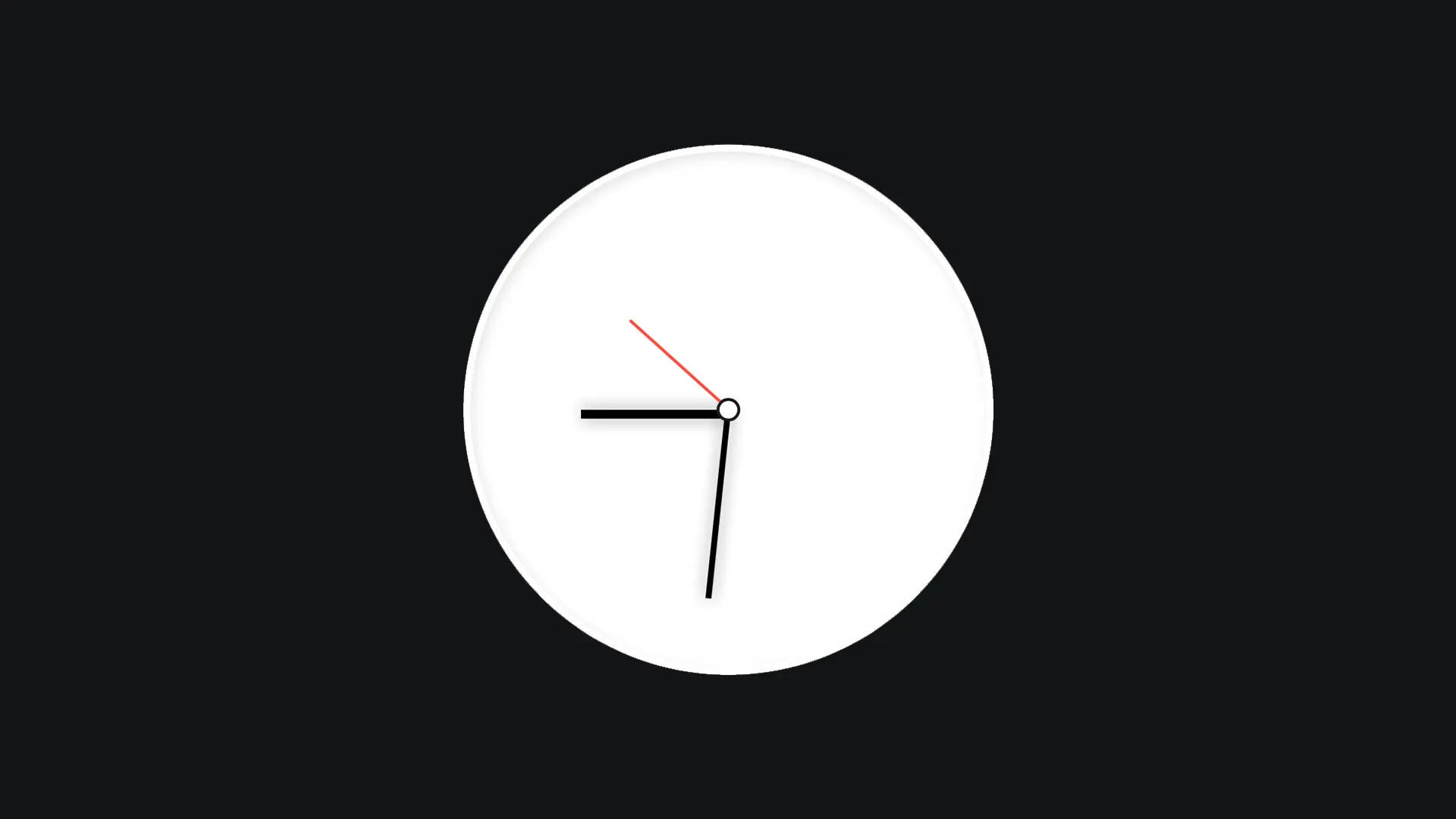
Imagine a clock that shows the time to your users, on a travel site for example, with the time zone of the destination country? Let's create this magnificent clock together, using JavaScript!
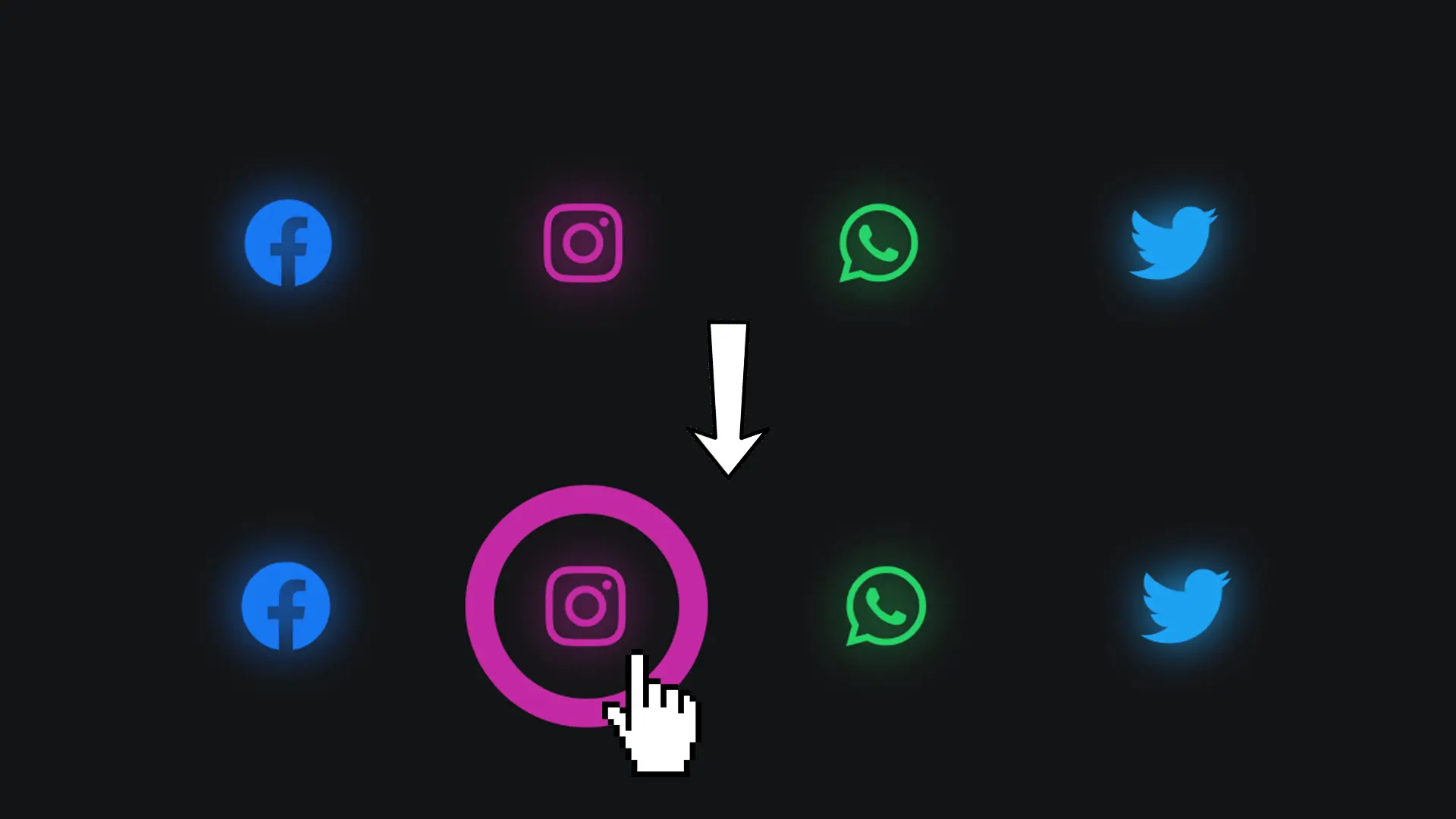
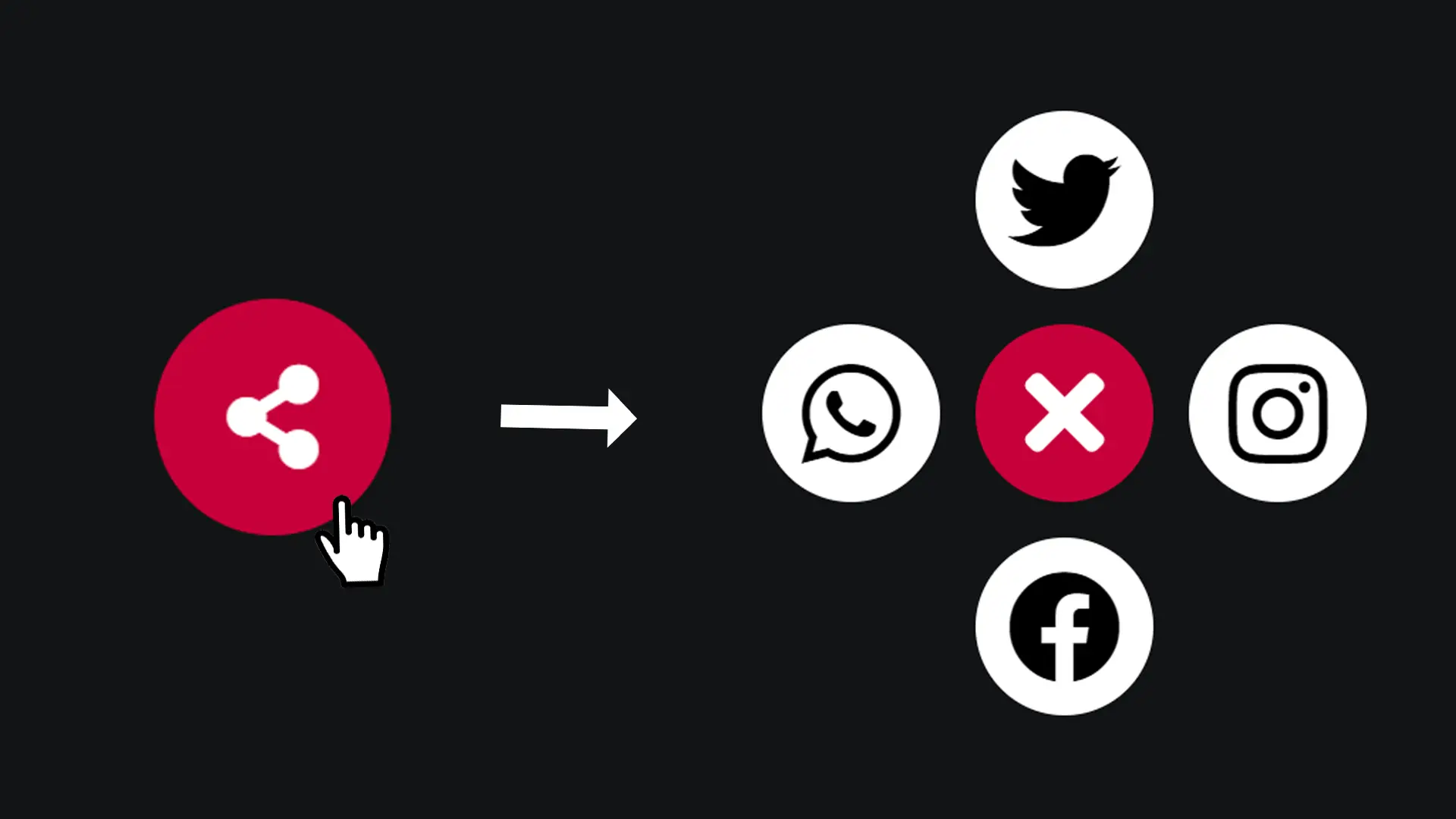
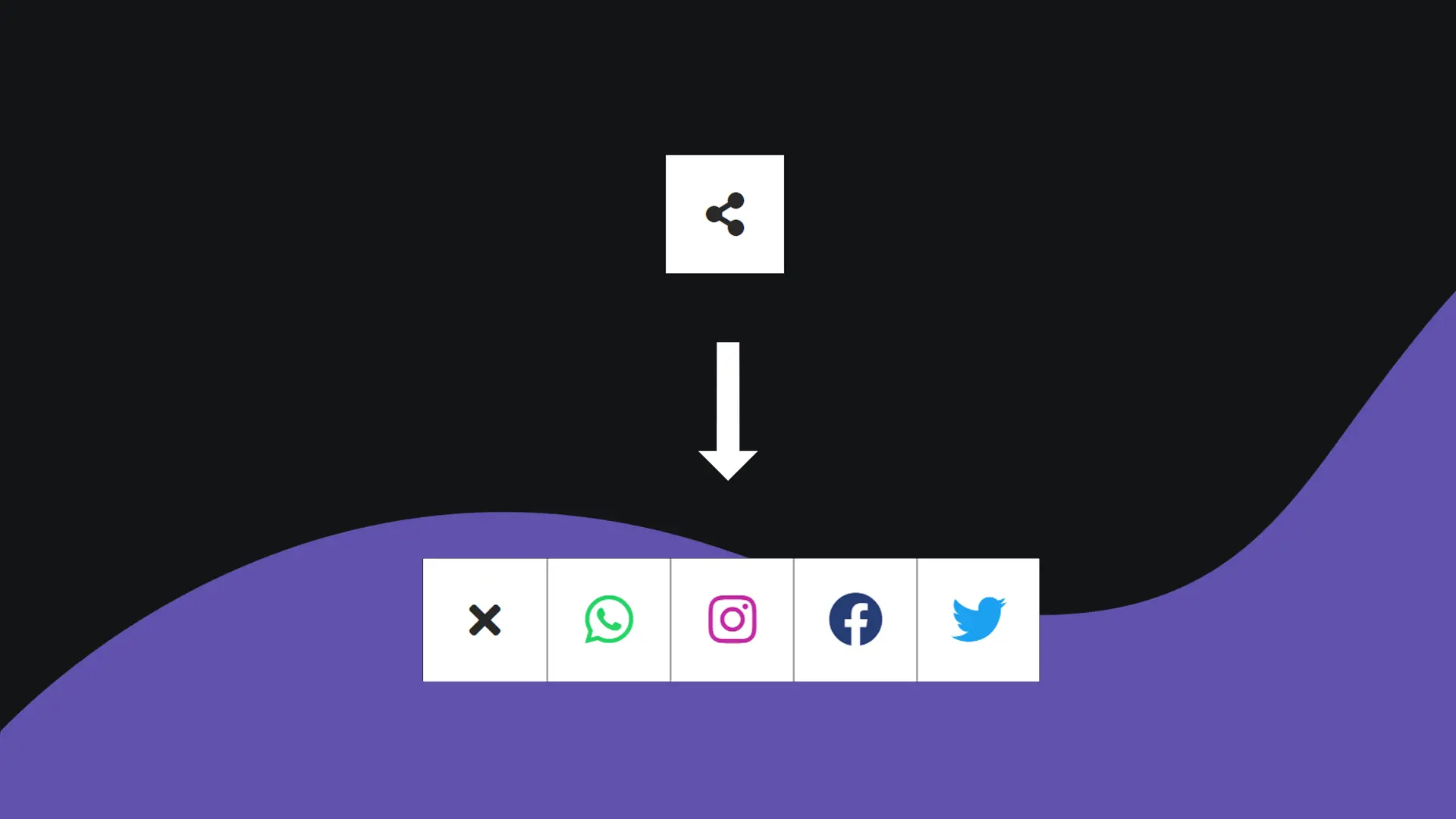
For a menu or to encourage your readers to share your website, share buttons are essential elements to add to your website. Let's find out how to make them more modern with a "neon" effect that will surround the icon selected by your user.
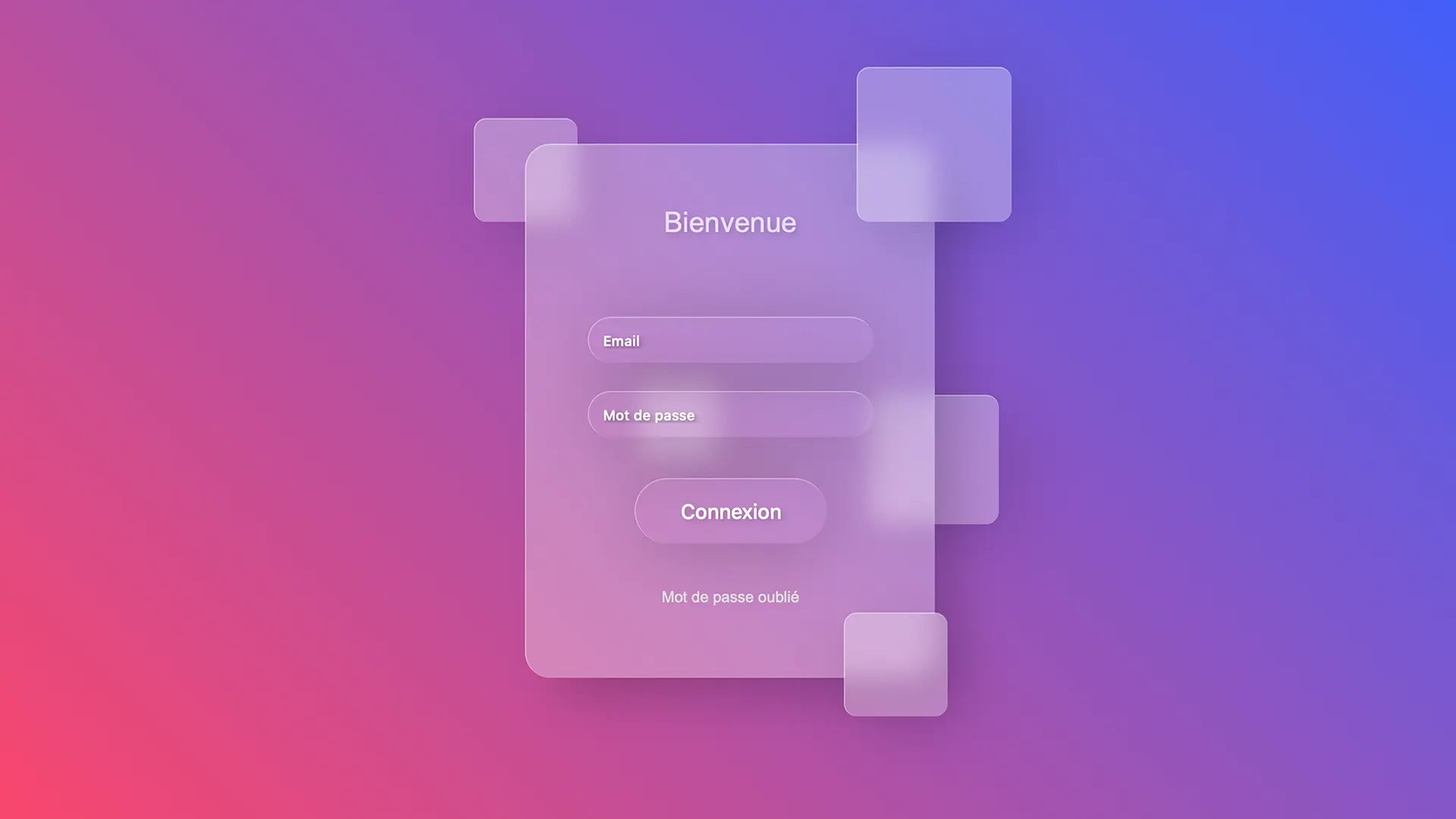
In this article, we're going to create a form with a glassmorphic design. Modern effect guaranteed!
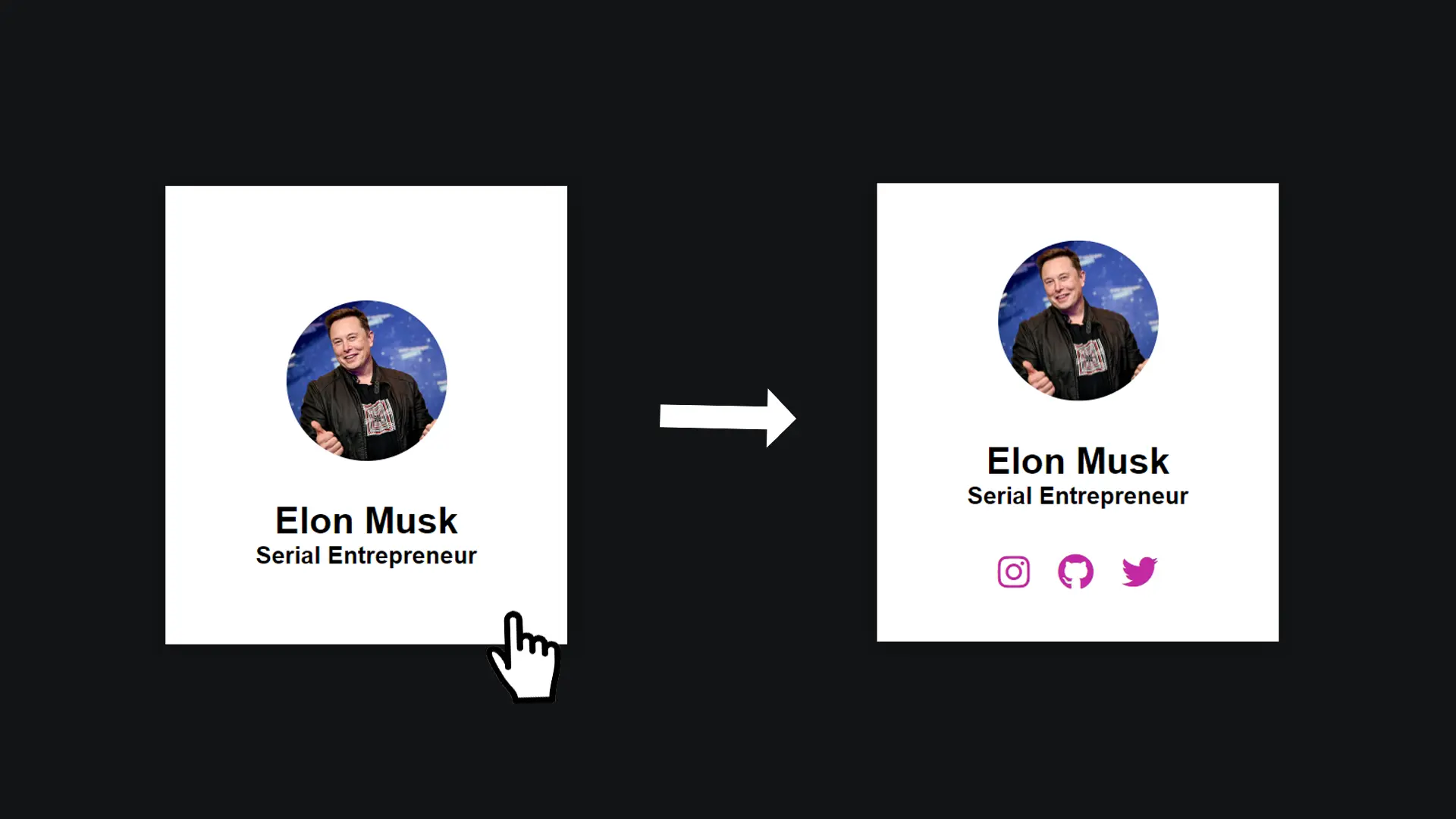
To present your team or simply yourself, this animation will allow you to display the links to your social networks when you hover over the map: a striking effect guaranteed! Let's find out how to do it together.
Displaying a social networking sharing button on your site helps to increase the number of visits. Nowadays, it has become essential to offer this kind of button whenever we publish articles or project presentations. Let's find out how to set up this kind of button in this article!
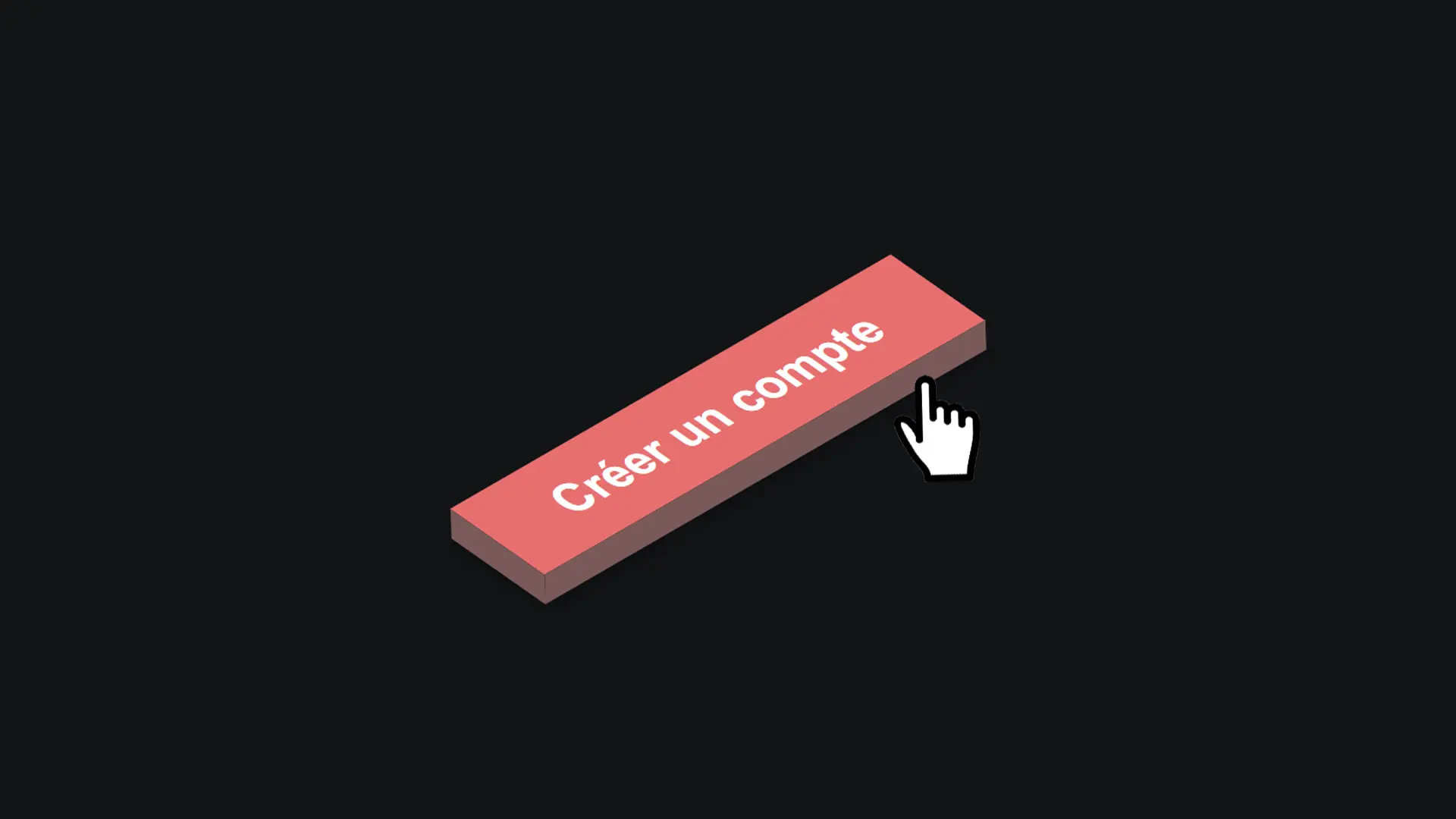
In this article, we'll find out how to create a three-dimensional button that will add a touch of softness and perspective to your projects!
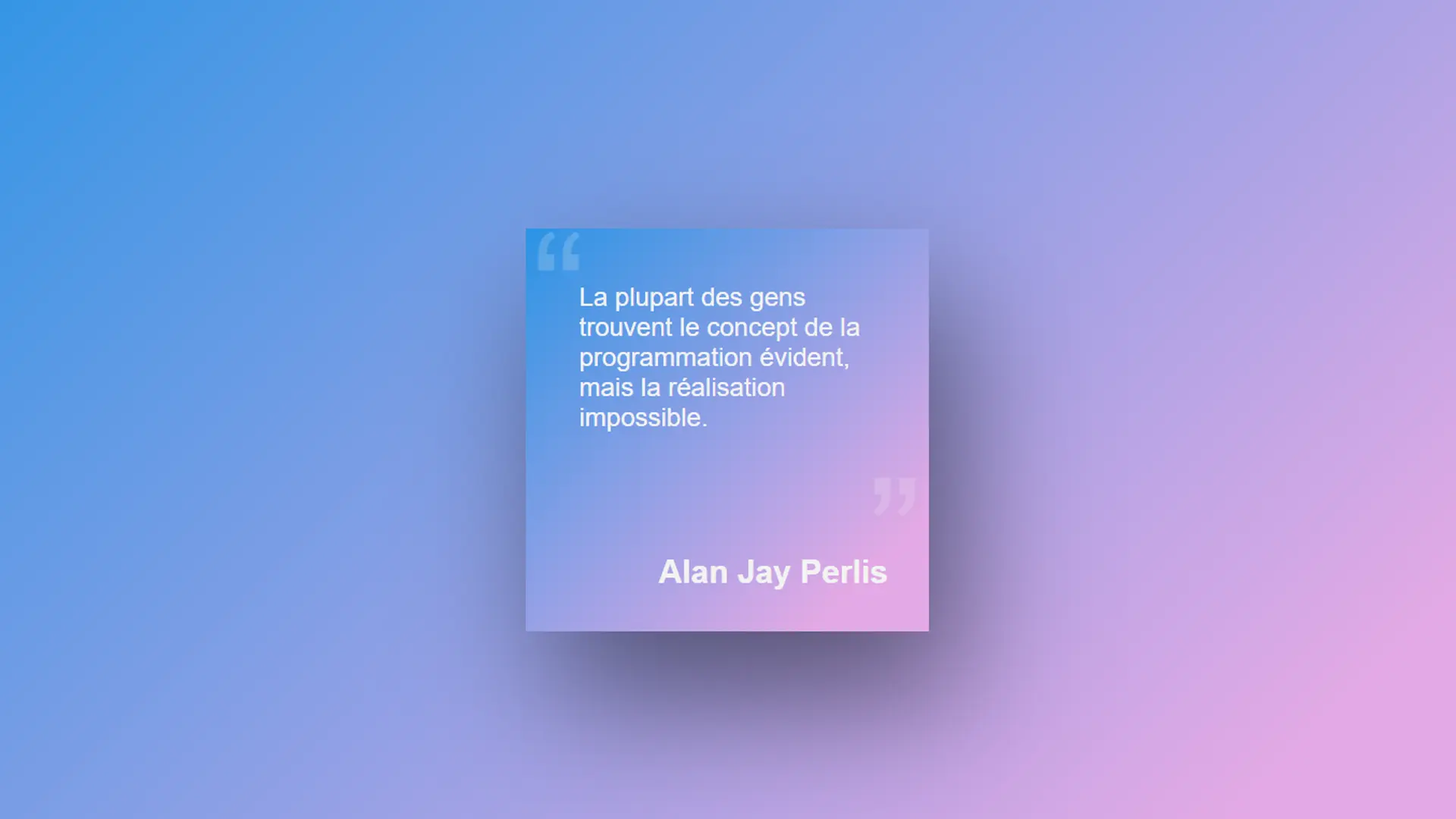
Whether it's to highlight a part of your website or a quote as in this example, generating and adding a gradient to the background can give your website a very modern touch. Find out in this article how to do it easily!
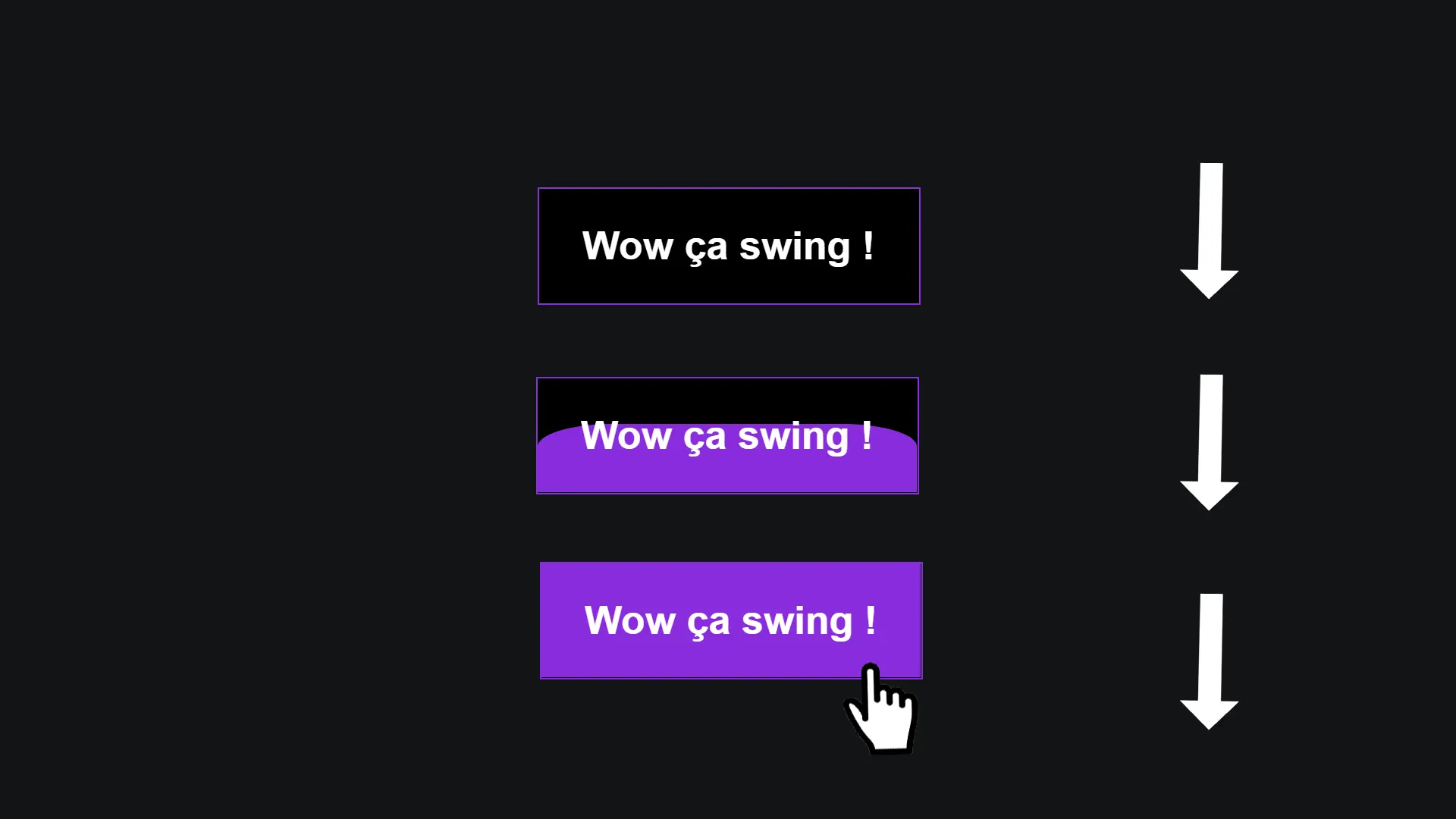
In this article, we'll be taking a look at the secret to achieving this "filling" effect on a button!
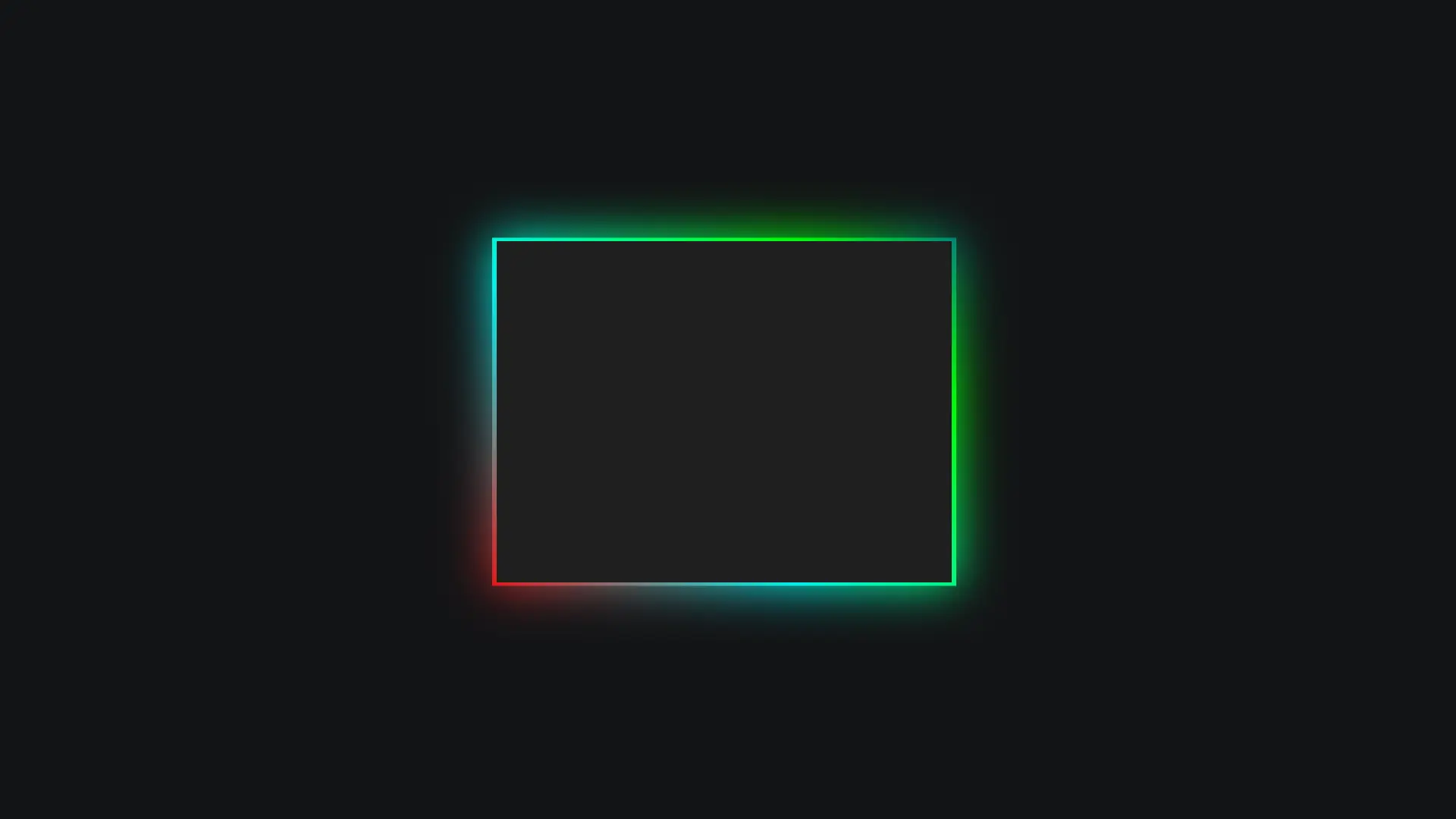
Think again: it's not a shadow, it's a trick that will make your visitors think you've added borders and animated rainbow shadows! It's nothing of the sort: no borders or shadows are used in this tutorial. Let's discover the secret behind this trick.
For your blog posts or on the pages that present your projects from a portfolio, presenting a modern, non-intrusive button to allow your visitors to share your website or go to your social networks is ideal. Let's look at how to create this type of button together in this article.
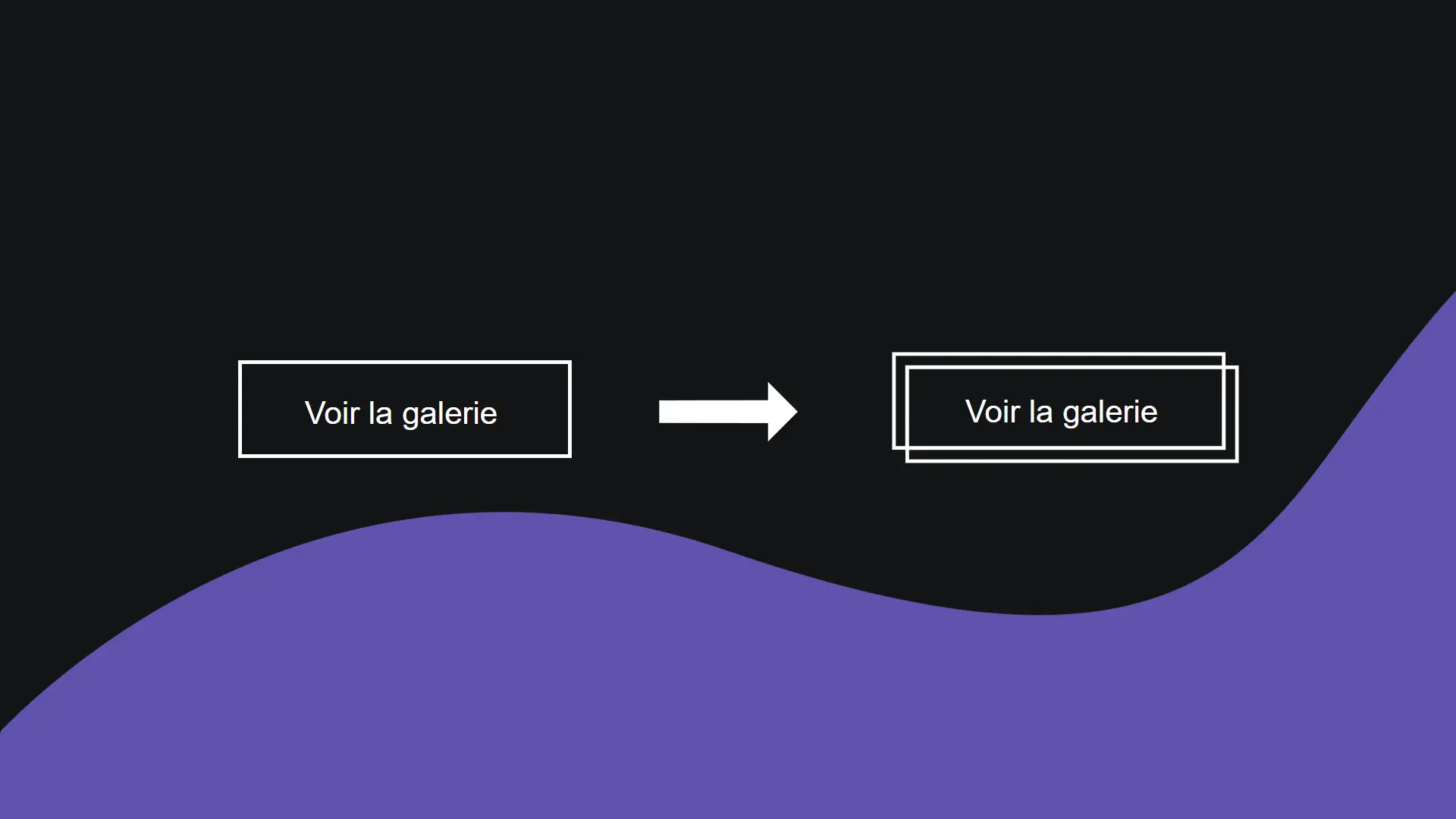
Creating a button where the borders split in two on hover may seem complicated, but nothing could be easier! Let's find out how in this article.
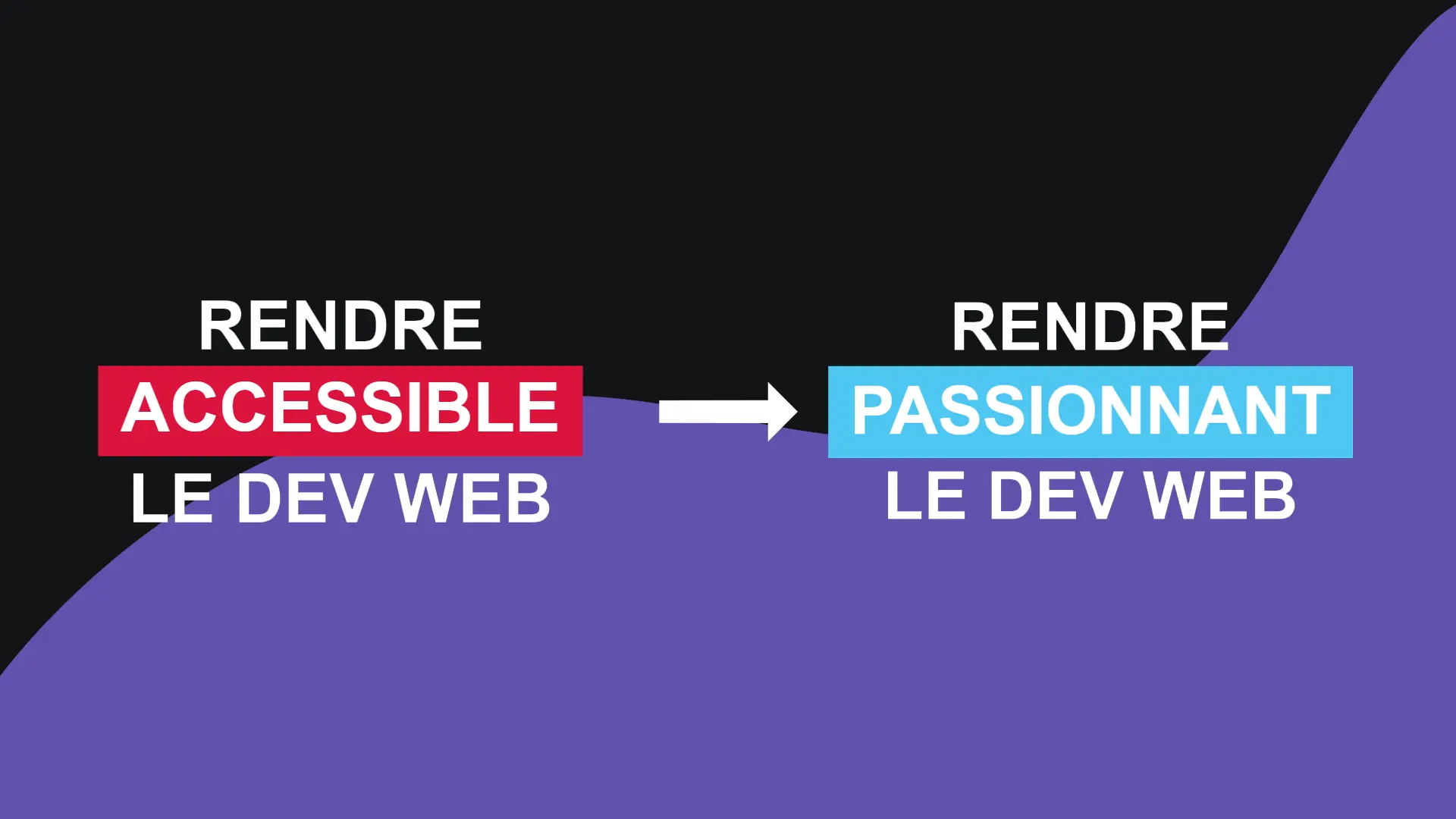
For a slogan or for an animation on a very important page of your project, this very modern effect is also very easy to achieve. Let's take a look at how to do it in this article.