Creating circled buttons on hover with HTML and CSS

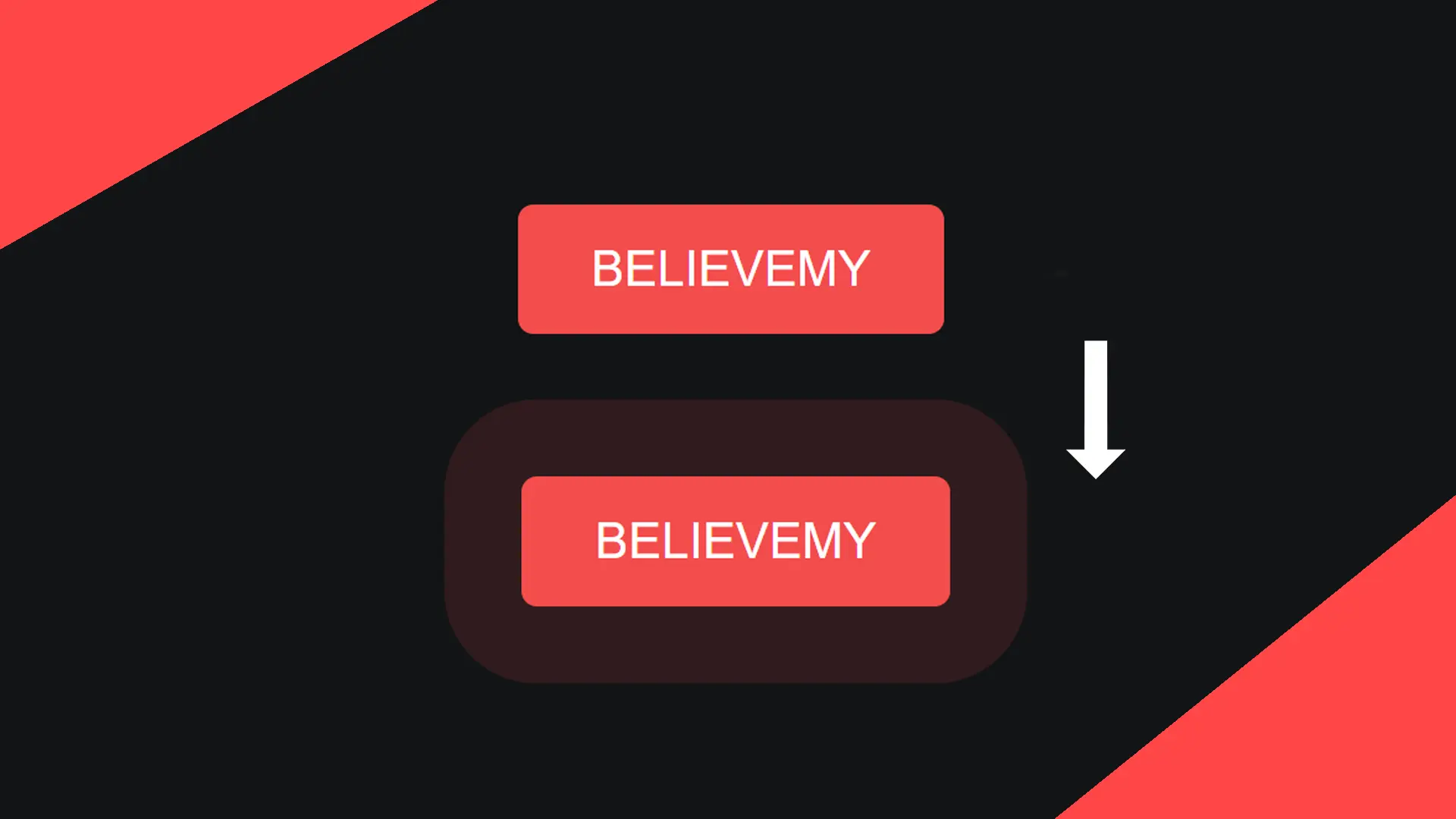
For a menu or to encourage your readers to share your website, share buttons are essential elements to add to your website. Let's find out how to make them more modern with a "neon" effect that will surround the icon selected by your user.
•
Updated on August 14, 2026
•
2 min read
Believemy logo

For a menu or to encourage your readers to share your website, share buttons are essential elements to add to your website. Let’s discover how to make them more modern with a "neon" effect that will surround the icon selected by your user.


Step 1

Let's start by including Font Awesome 5.

HTML
<link rel=”stylesheet” href=”https://cdnjs.cloudflare.com/ajax/libs/font-awesome/5.15.1/css/all.min.css”>


Step 2

Let's move on to the HTML code.

HTML
<div class="main center">
  <div class="icon center">
    <i class="fab fa-facebook fa-2x"></i>
  </div>
  
  <div class="icon center">
    <i class="fab fa-instagram fa-2x"></i>
  </div>
  
  <div class="icon center">
    <i class="fab fa-whatsapp fa-2x"></i>
  </div>
  
  <div class="icon center">
    <i class="fab fa-twitter fa-2x"></i>
  </div>
</div>

Thanks to the Font Awesome library we added in the first step, each class starting with “fa” will be retrieved and transformed into an icon.

The fa-2x class allows doubling the size of the icon.

You can find all available icons on fontawesome.com/icons.


Step 3

Let's style the main class and the icons.

CSS
.main {
  height: 100vh;
}

.icon {
  width: 65px;
  height: 65px;
  margin: 20px;
  cursor: pointer;
  border-radius: 50px;
  transition: all .4s;
}

.center {
    display: flex;
    justify-content: center;
    align-items: center;
}


Step 4

Let's move on to styling the icons one by one.

CSS
.icon:nth-child(1):hover {
  box-shadow: 0 0 0 10px #1877f2;
}

.icon:nth-child(2):hover {
  box-shadow: 0 0 0 10px #c32aa3;
}

.icon:nth-child(3):hover {
  box-shadow: 0 0 0 10px #25d366;
}

.icon:nth-child(4):hover {
  box-shadow: 0 0 0 10px #1da1fe;
}

This allows us to define a different colored shadow for each icon.


Step 5

Let’s finish by modifying the color of each icon, one by one.

CSS
.fa-facebook {
  color: #1877f2;
  filter: drop-shadow(0 0 10px #1877f2);
}

.fa-instagram {
  color: #c32aa3;
  filter: drop-shadow(0 0 10px #c32aa3);
}

.fa-whatsapp {
  color: #25d366;
  filter: drop-shadow(0 0 10px #25d366);
}

.fa-twitter {
  color: #1da1f2;
  filter: drop-shadow(0 0 10px #1da1f2);
}

Category: Developers

Share this article

Want to help us? Share this article on your networks or even better: on your site, in an article or in your newsletter.

Believemy logo
Comments (0)

You need to be logged in to comment on this article: log in or sign up.

Read next

Create a very modern hover on a link

Here's an easy way to create a very modern hover on a link! There are lots of possible effects for buttons and links: the better they look, the more likely your users will be to click on them.

December 9, 2024

Creating a NEON button with CSS

Creating a button is one thing! But creating a button that your visitors want to click is something else entirely. In any case, this neon button will catch the eye of everyone who visits your pages.

December 9, 2024

Create an animated "rainbow" button with CSS

In this article, we'll show you how to create a rainbow button that comes to life when the mouse hovers over it. A modern and sensational effect guaranteed!

December 9, 2024

Create a glitch effect on mouse-over with CSS

Add a modern glitch effect to your presentations or your logo, whether it's hovering or permanent! Let's find out how.

December 9, 2024

Create a map displaying links on mouse-over with CSS

To present your team or simply yourself, this animation will allow you to display the links to your social networks when you hover over the map: a striking effect guaranteed! Let's find out how to do it together.

December 9, 2024

Create hover text on image with CSS

We've already seen how to create an element that is displayed when the mouse hovers over an image, but in this article we'll show you how to display a whole host of information very fluidly by hovering the mouse over an element!

December 9, 2024

Creating a hovered with CSS

In this tutorial we'll look at how to create an overlay easily using CSS!

December 9, 2024

Create a heartbeat button

For a main button or even for a button you want to highlight, offering this heartbeat effect can give your website a very modern feel. Find out how in this article.

December 6, 2024

Become the solopreneur you dream of being.

First project, career change, business launch: access our courses, practice on real-world cases, and move forward with clear guidance.