If you have a blog or a portfolio where you want to showcase code, whether it's HTML/JavaScript snippets or CSS, you have very likely encountered a problem: how to enable syntax highlighting to make it look as if the code is in a code editor? Let's see in this article how to do it together.
Step 1
The HTML code.
<pre>
  <code class="css">
    .search-input {
      box-shadow: 0px 1px 4px rgba(0,0,0,.15);
      /* This is a comment */
      font-size: 1rem;
      width: 100%;
    }
  </code>
</pre>
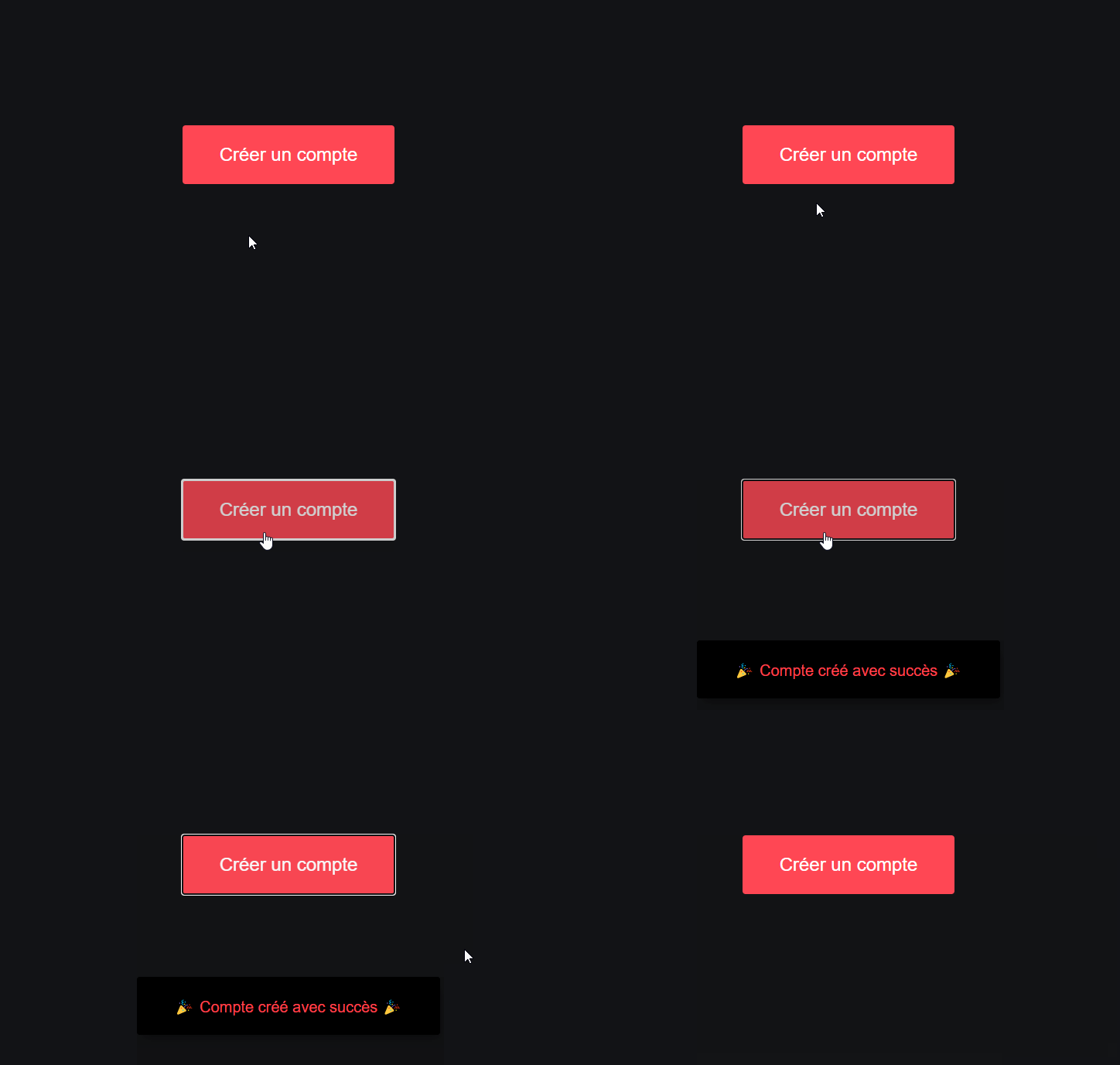
When we click on the button, the notification will appear like magic!
Step 2
Let's style the button.
button {
  font-size: 1.2rem;
  color: #fff;
  background: #ff4754;
  padding: 1.2rem 2.4rem;
  border-radius: 0.2rem;
  transition: all 0.2s;
}

button:hover {
  cursor: pointer;
  opacity: 0.8;
}
Let's finish styling the class created by highlight.js.
.hljs {
  padding: 0.6rem 2rem;
  background: black;
  border: 1px solid rgba(255, 255, 255, 0.2);
  border-radius: 5px;
  transition: all 0.2s;
}

.hljs:hover {
  border-color: #ff4754;
}
In this step, we style the hljs class even though we did not create this class.
This is actually created automatically by Highlight.js when it detects a <code></code> tag.
We are merely taking advantage of this automatically generated class to style the entire block in which we place our code to color.