In this article
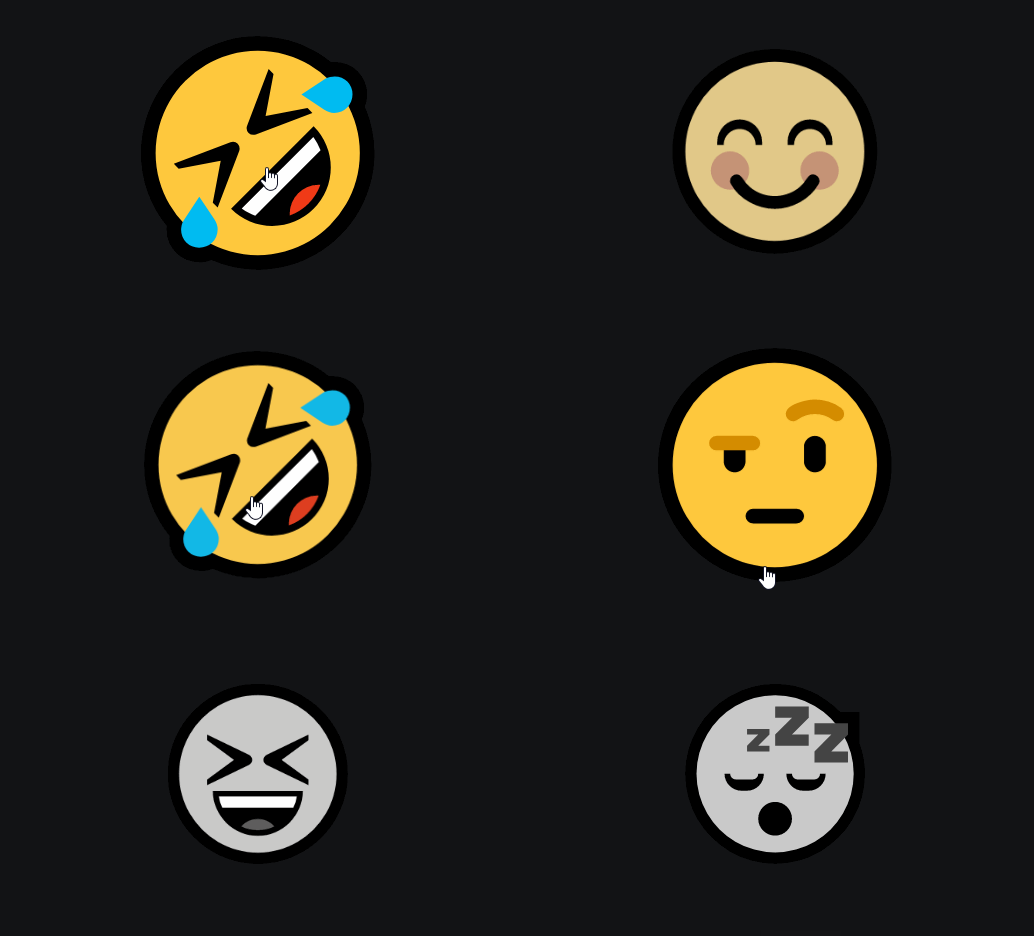
Want to create a button whose emoji changes with every mouse hover? Like on Discord? Then this article is for you!
Step 1
The HTML code.
HTML
<div id="emoji">😁</div>Nothing very complicated here: we declare a division with an id emoji.
Tip: Get your emojis from getemoji.com
Step 2
Now let's style the id emoji.
CSS
#emoji {
      font-size: 5rem;
      filter: grayscale(1);
      cursor: pointer;
      transition: all 0.2s;
    }

    #emoji:hover {
      transform: scale(1.3);
      filter: grayscale(0);
    }
The grayscale() property allows you to transform an image into grayscale colors.
Step 3
Let's move on to JavaScript by adding emojis.
JAVASCRIPT
const btn = document.querySelector("#emoji");
const emojis = [
  "😆", "😅", "🤣", "😂",
  "😀", "🤑", "🤨", "🙂",
  "😊", "😗", "😛", "😏",
  "🤥", "😴", "🥺", "😧"
];
Step 4
Let's detect the emoji hover.
JAVASCRIPT
btn.addEventListener("mouseover", () => {
  btn.innerText = emojis[Math.floor(Math.random() * emojis.length)];
});
As soon as we hover over the emoji, we replace the text of the id emoji with a new emoji.
To do this, we generate a random number and multiply it by the number of emojis we have.
Category: Developers