HTML, CSS, JavaScript, React, Next.js, Git: step-by-step tutorials to build your own website or tool.
Here's how to create a live Instagram follower counter that updates automatically every second! Very useful for your websites! We're using the very latest JavaScript feature: fetch!
Creating a button is one thing! But creating a button that your visitors want to click is something else entirely. In any case, this neon button will catch the eye of everyone who visits your pages.
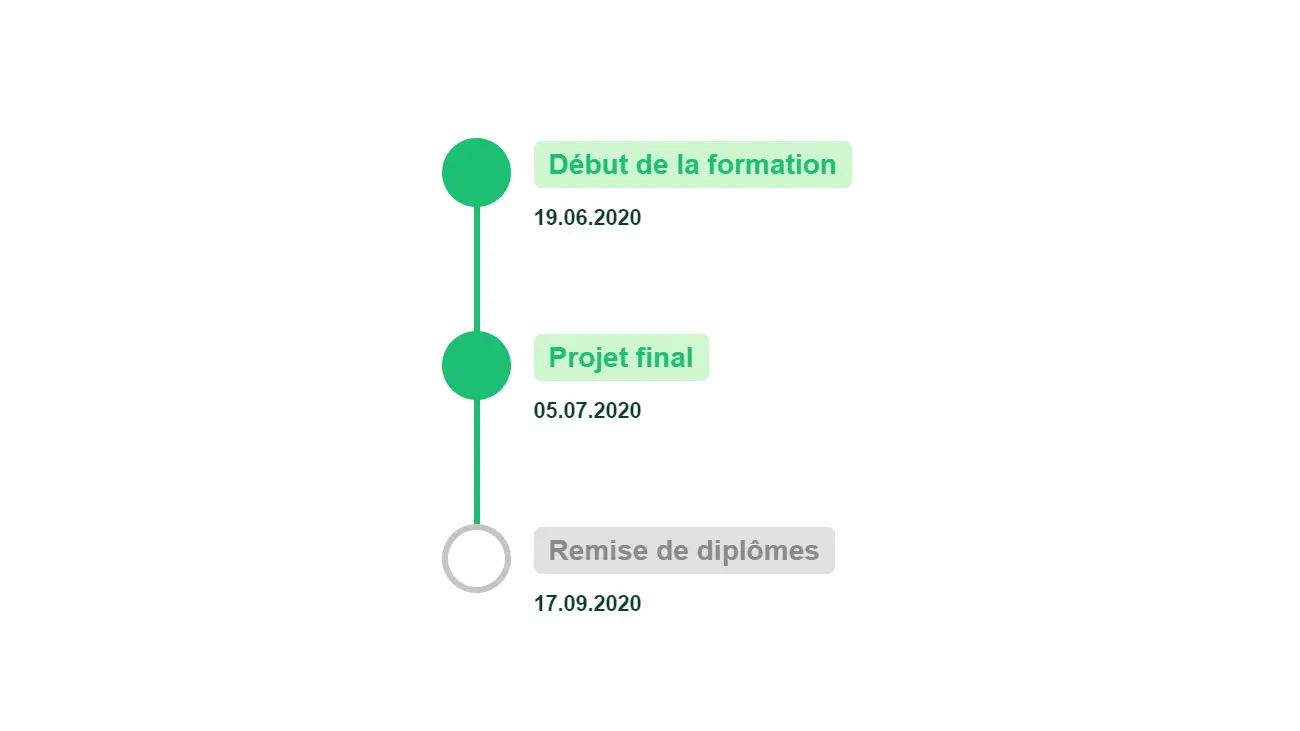
Whether you want to show a purchasing process, the highlights of your career on your portfolio, or anything else, learn how to create a sleek, modern timeline to show it off!
Here's an easy way to create a very modern hover on a link! There are lots of possible effects for buttons and links: the better they look, the more likely your users will be to click on them.
If you're looking for a very modern and effective way to style your headlines, take a look at how using a background to style the colour of your text can be incredibly innovative.
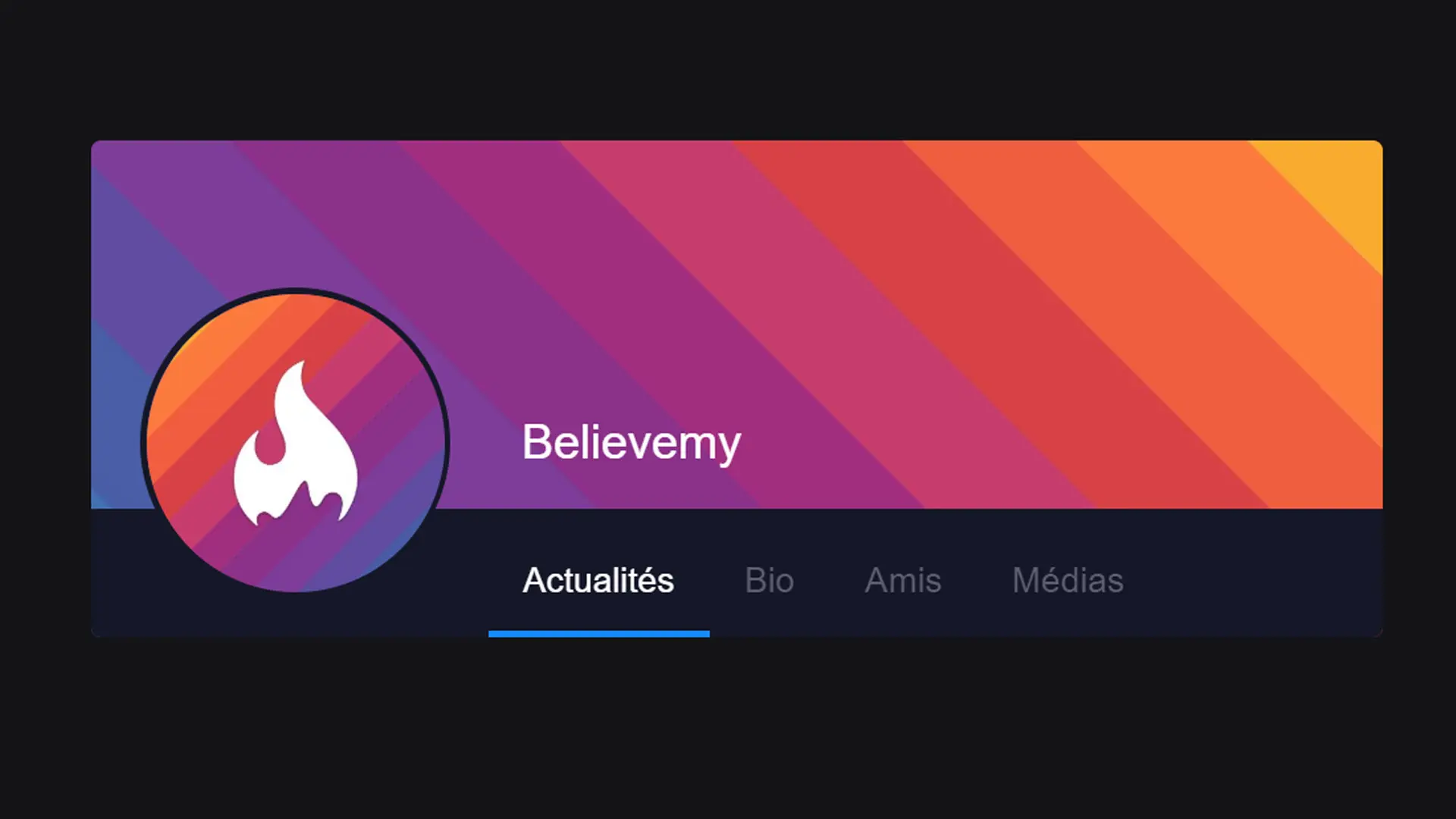
Whether you've run out of inspiration or you're trying to recreate a website like twitter, this article will help you create a profile inspired by those offered by twitter.
Having a menu has become an indispensable classic. But having a menu that takes up the whole screen is ideal when you want your site to be totally responsive (and therefore suitable for mobile devices, for example). This article will help you to set up a full-screen menu that is activated on click!
On 1 January, we often have other things to do than change the date in the footer of our sites... So let's use JavaScript or PHP to automate it!
The more modern a form, the more engaging it is. In this article, we'll look at how to create a form with dynamic labels that will increase the engagement of your forms and make your users want to fill them in.
The buttons on a site are the main triggers for action: styling them and making them dynamic is very important in your development process! That's the aim of this article.
Why not take a look at how to create a custom scrollbar? That's the whole point of this article!
In this tutorial we'll look at how to create an overlay easily using CSS!