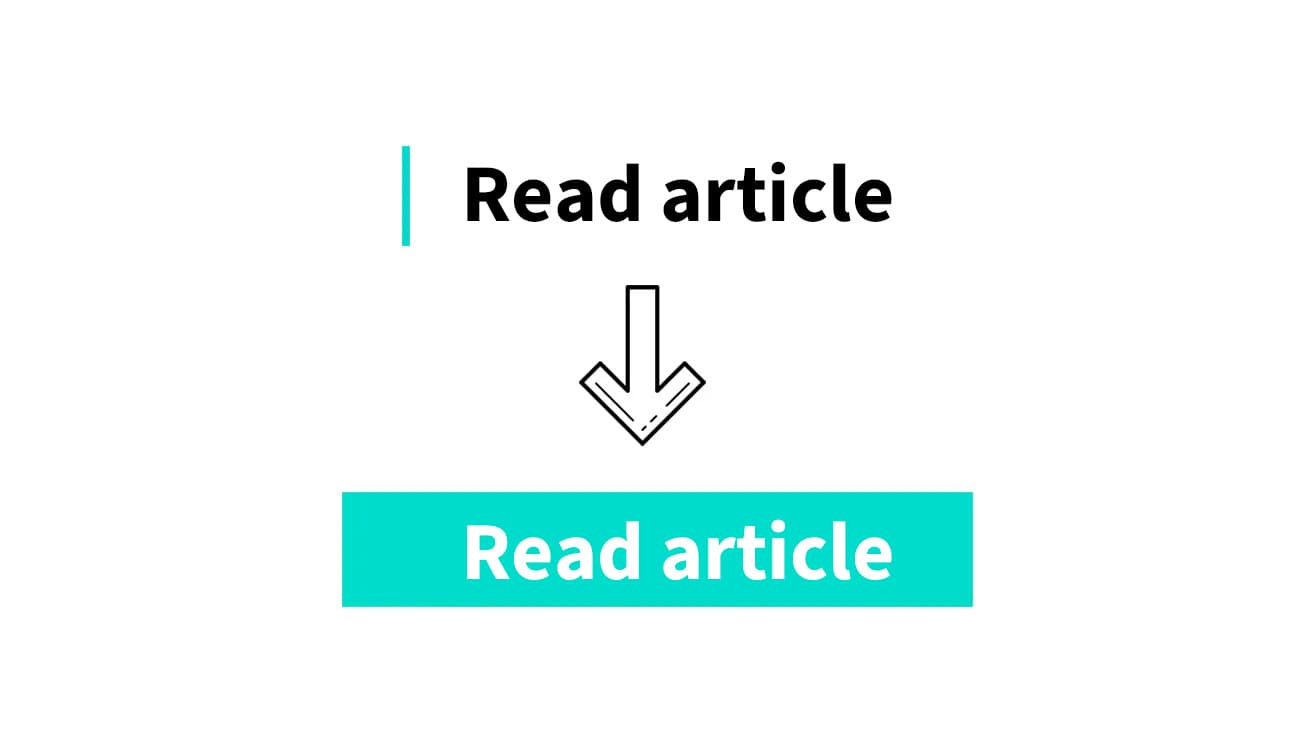
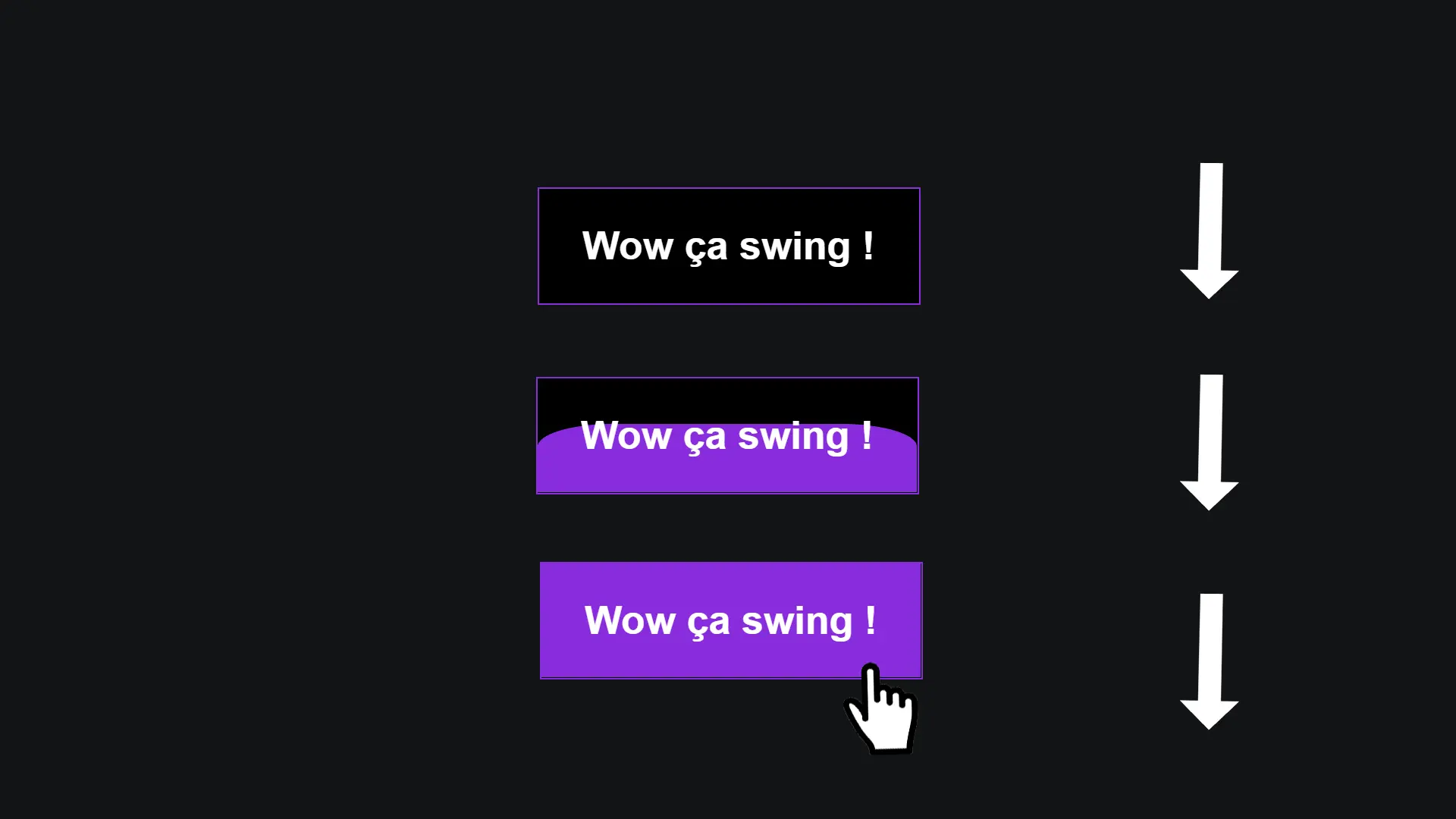
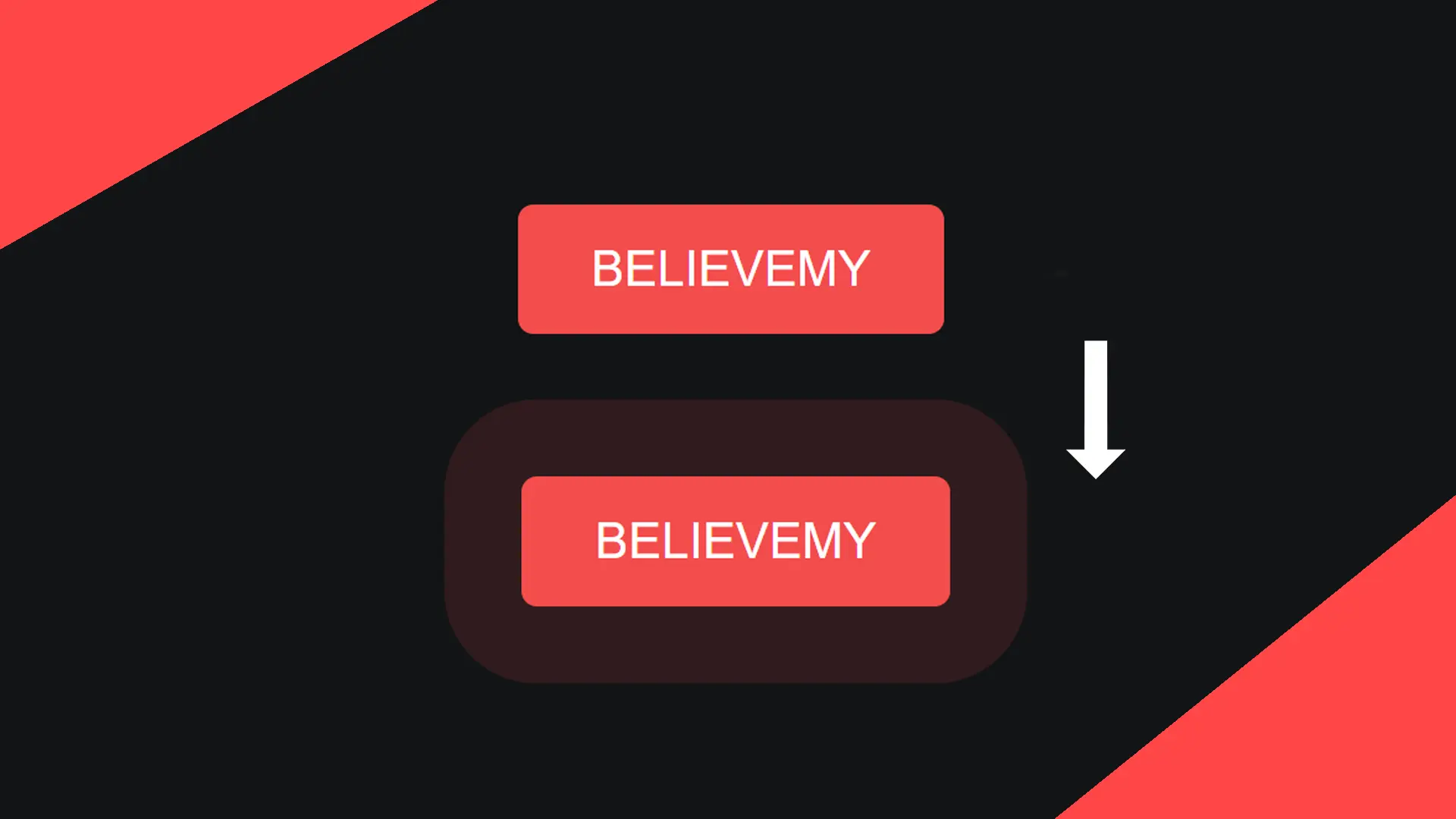
Creating a button is great! But creating a button that your visitors want to click is another story. This neon-style button will definitely catch the eye of everyone who visits your pages.
You can find the entire tutorial on our Instagram account.
Step 1
Let's start with the HTML code.
<a href="#">
      <span></span>
      <span></span>
      <span></span>
      <span></span>
      Neon button
</a>
Step 2
Before continuing, let's ensure that none of our elements have padding issues.
*{
    margin: 0;
    padding: 0;
    box-sizing: border-box;
}
This little trick ensures that all elements on the site (*) should include their padding in their size (this avoids many issues).
Step 3
Now let's style our link.
a{
    position: relative;
    padding: 25px 30px;
    margin: 40px 0; color: #03e9f4;
    text-decoration: none;
    text-transform: uppercase;
    transition: 0.5s; letter-spacing: 4px;
    overflow: hidden; margin-right: 50px;
}

a:hover{
    background: #03e9f4; color: #050801;
}
Step 4
Now let's style the first span tag.
a span{
    position: absolute;
    display: block;
}

a span:nth-child(1){
    top: 0;
    left: 0;
    width: 100%;
    height: 2px;
    background: linear-gradient(90deg,transparent,#03e9f4);
    animation: animate1 1s linear infinite;
}
The edges of the button don't really move clockwise: these are actually 4 span tags that appear and disappear successively one after the other.
If you're having trouble with the next step in creating an animation, you can learn how to do it through this specially created video: Easily Create Animations (CSS).
Step 5
Let's handle the first animation.
@keyframes animate1{
    0%{
        left: -100%;
    }
    50%,100%{
        left: 100%;
    }
}
Here, we specify that the span tag gradually appears from the left to the right, creating this illusion.
Step 6
Let's start over for the second span tag.
a span:nth-child(2){
    top: -100%; right: 0;
    width: 2px; height: 100%;
    background: linear-gradient(180deg,transparent,#03e9f4);
    animation: animate2 1s linear infinite;
    animation-delay: 0.25s;
}

@keyframes animate2{
    0%{ top: -100%; }
    50%,100%{ top: 100%; }
}
Step 7
Let's continue with the third span tag.
a span:nth-child(3){
    bottom: 0;
    right: 0;
    width: 100%;
    height: 2px;
    background: linear-gradient(270deg,transparent,#03e9f4);
    animation: animate3 1s linear infinite;
    animation-delay: 0.50s;
}

@keyframes animate3{
    0%{
        right: -100%;
    }
    50%,100%{
        right: 100%;
    }
}
Step 8
Let's finish by doing the same with the fourth span tag.
a span:nth-child(4){
    bottom: -100%;
    left: 0;
    width: 2px;
    height: 100%;
    background: linear-gradient(360deg,transparent,#03e9f4);
    animation: animate4 1s linear infinite;
    animation-delay: 0.75s;
}

@keyframes animate4{
    0%{
        bottom: -100%;
    }
    50%,100%{
        bottom: 100%;
    }
}