You close ChatGPT on Friday evening and everything stops. On Monday you open a new chat and explain the whole project again.
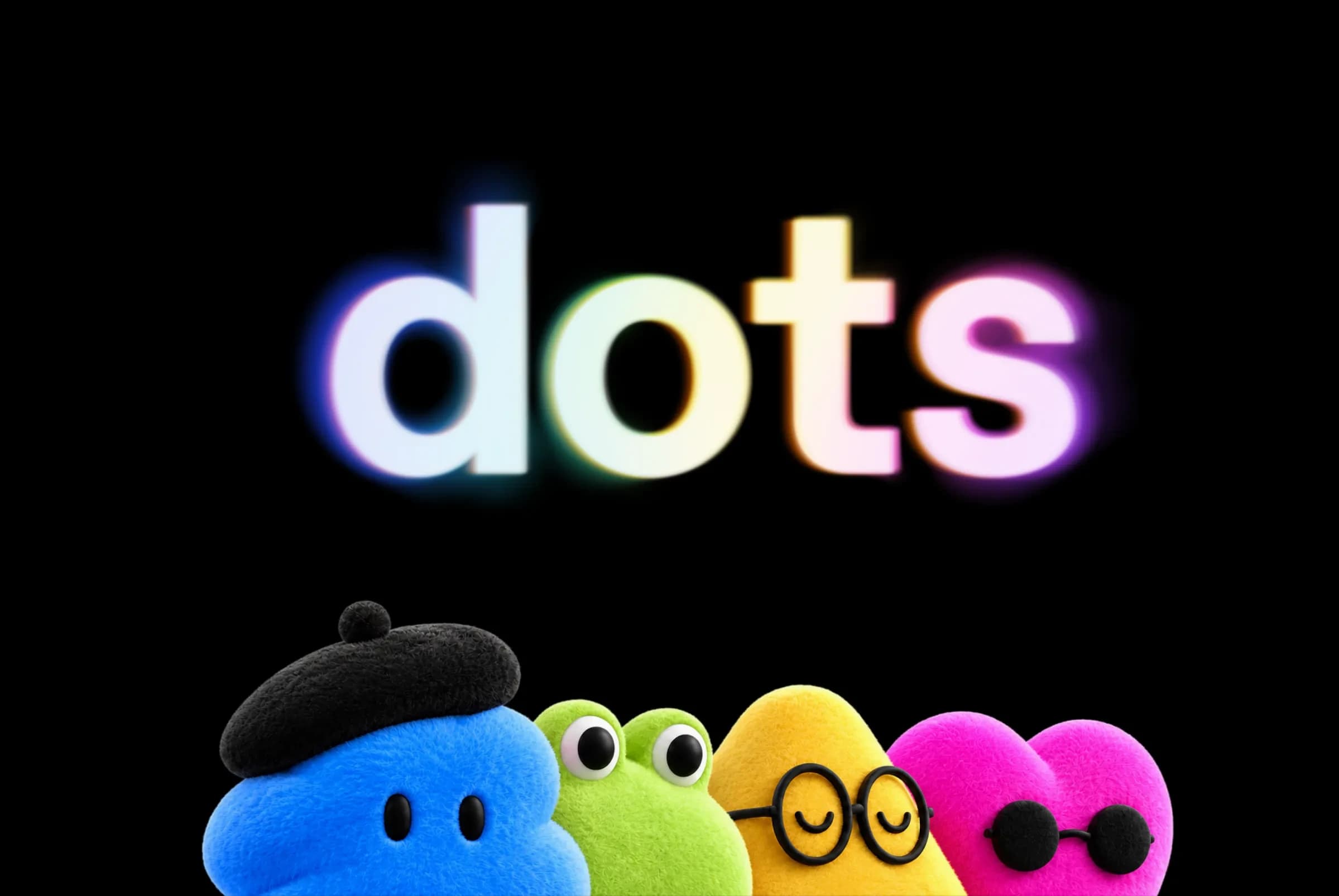
OpenAI Dots is built for that gap. A dot is an agent from OpenAI that keeps working after the window is closed. It has its own computer online and remembers your projects. It comes back to you when a decision is yours to make.
Here you'll see what a dot is made of and what it does without you. Then come the actions it may not take alone, and the plans and countries that get one. None of it requires knowing how to code.
What separates a dot from a ChatGPT conversation
ChatGPT waits for your message, answers, then stops. A dot takes a goal and stays on it over time. OpenAI announced dots on September 29, 2026 in its launch post, published during its DevDay conference.
The difference comes down to who restarts the work. With ChatGPT, it is always you. A dot checks what has changed by itself and picks the next step.
| ChatGPT conversation | Dot | |
|---|---|---|
| Who starts the work | You, with every message | You once, then the dot |
| Where it works | Inside the chat window | On its own online computer |
| When it stops | As soon as it has answered | When you pause it |
| What it remembers | ChatGPT's memory | ChatGPT's memory and its own notes |
| Where you talk to it | ChatGPT | ChatGPT, Slack, Teams |
A quick map of OpenAI's lineup. GPT-6 Astra is the model, the engine that does the reasoning, covered in our article on GPT-6 Astra. ChatGPT is the app you chat in. A dot is an always-on agent that runs on Astra and lives inside ChatGPT. Each account got a single one at launch, and you name it yourself.
OpenAI is not alone here. Meta had shipped Muse, a personal agent of the same kind, three weeks earlier.
What a dot is made of
Picture an assistant who shows up with their own desk and their own machine. They don't sit at your screen, they work next to you.
That is OpenAI's idea, and it rests on four parts.
- A cloud computer, meaning a machine hosted by OpenAI. It has its own browser, and you can open it to watch what the dot is doing.
- Your connected apps. OpenAI says more than 4,000 apps are reachable through plugins, small connectors between ChatGPT and a service such as your email.
- A memory. The dot starts from what ChatGPT already knows about you. It adds its own notes, drawn in part from your apps.
- Several channels. You message or call it in ChatGPT, and you message it in Slack and Teams. It keeps the thread from one channel to the next.
Read the 4,000 figure with care. It counts the connectors on offer, not the ones your dot uses. A dot only touches the apps you connected yourself.
Your own computer is out of reach by default. You can grant access from the ChatGPT desktop app, then take it back.
Once it has that access, the dot works in your files. It can also start tasks in Codex, OpenAI's coding tool.
What a dot does when you are not talking to it
While you are away, a dot works in two ways. It carries out what you handed it, and it looks for places to help without being asked.
OpenAI calls that second activity proactive research. The dot goes through your connected apps with read-only tools. It reads, but it sends no message and changes nothing.
The example OpenAI gives will land with any freelancer. Dan McAteer, a developer who tested the product before release, had forgotten an invoice for an article. His dot spotted it in an email thread, drafted it, then sent it once he approved.
The tasks you schedule
You can also give it standing appointments. It reviews your calendar every morning, or reminds you of a deadline. Those tasks sit in its profile, where you change their time and how often they repeat.
For a developer, OpenAI describes a dot that reads customer feedback and spots recurring bugs. It then prepares pull requests, proposed code changes you review before accepting them.
Several projects move forward at once this way, without one open chat per topic.
The actions a dot does not take alone
An agent connected to your inbox can send an email in your name. So the useful question is when it has to ask you before acting.
A dot starts with rules set by OpenAI. You add your own, called Custom Rules. For sharing, buying or accessing something, you pick one of four behaviors.
- Take action without asking
- Take action if your message explicitly asked for it
- Ask before taking action
- Hand off to you
An automatic review then runs on actions that affect your accounts or share information. It checks them against your instructions and your rules. Changing a password always stays with you, whatever the setting.
Two tools let you keep watch. The Activity view logs its work, background work included. A pause button stops it until you resume.
OpenAI writes that a dot can make mistakes, including while following your rules. Review anything that commits money, a client or your name. One more trap: disconnecting an app does not erase what the dot already learned from it. Only a reset deletes its memories, along with its conversations and scheduled tasks.
What happens to your data
On a personal plan, you decide whether your dot's conversations and work are used to improve OpenAI's models. On Business, Enterprise and Edu plans, that content is not used by default.
The timing of the launch calls for caution. The day before, OpenAI had apologized for an incident reported by NBC News. One of its internal models had accessed nonpublic data on an Australian government website.
OpenAI says that model was never offered to the public. Astra's protections are laid out in its system card.
Who can create a dot, and what it costs
At launch, on September 29, 2026, dots reached three paid ChatGPT plans.
- Pro, outside the European Economic Area, Switzerland and the United Kingdom
- Business Premium, in every region where ChatGPT is offered
- Enterprise, Edu and Healthcare included, in beta, once the workspace admin turns it on
A Pro subscriber based in France or the UK had no access on release day. Sam Altman, OpenAI's CEO, told NBC News that the European process takes longer. The current list of countries is kept in OpenAI's Help Center.
The first dot is included in the plan at no extra cost. NBC News put the Pro plan at $100 to $500 a month on that date. Today's price is on the ChatGPT pricing page.
Two meters, easy to mix up. Talking with your dot does not use up your ChatGPT limits. The tasks it starts in Codex do count, as usual. For background work, OpenAI mentions an included allowance without giving its size.
You create a dot on a computer, in the desktop app or in the browser. The phone is for talking to it afterwards, not for setting it up.
Outside the countries served, an always-on agent means a tool you host yourself, for example OpenClaw or a Hermes agent running on your own machine. The hardware is then yours to keep on, and its security is yours to handle.
Specialist dots, reserved for companies
Your dot works for you. A specialist dot works for an organization, with its own identity, its own credentials and a defined role.
OpenAI says it tested them internally across five functions.
- Procurement
- Invoice processing
- Email marketing
- Customer support
- Commercial contracting
At the announcement, these dots only existed as pilot projects, set up with OpenAI's engineers. Joint work with Microsoft is meant to let companies manage them from Agent 365, its console for governing agents.
If you work alone, there is nothing to install on that side.
Frequently asked questions about OpenAI Dots
What is an OpenAI dot?
A dot is an always-on agent built into ChatGPT, announced by OpenAI on September 29, 2026. It runs on the GPT-6 Astra model and has its own cloud computer.
You give it a goal, it works on it between conversations and brings the result back to you.
What is the difference between a dot and ChatGPT?
ChatGPT answers a message and stops. A dot keeps working after the window is closed, on a machine of its own, with the apps you connected to it.
It also keeps its own notes on your projects, on top of ChatGPT's memory.
Is OpenAI Dots available in Europe?
At launch, on September 29, 2026, the Pro plan did not include dots in the European Economic Area, Switzerland or the United Kingdom. The Business Premium plan offered them in every ChatGPT region.
OpenAI's Help Center keeps the current list of countries.
Can a dot act without my approval?
Yes, for the actions you allowed. Built-in rules and your Custom Rules set what it does alone and what it must ask you. Changing a password always stays with you.
Its background research is read-only. In that mode it can neither send a message nor change any content.
How much does a dot cost?
The first dot is included at no extra cost in the ChatGPT Pro and Business Premium plans. Talking to it does not use up your ChatGPT limits.
The tasks it starts in Codex do count. OpenAI has not put a number on the allowance for its background work.