How to center with CSS?

Discover all the ways to center with CSS once and for all.
•
Updated on August 14, 2026
•
2 min read
Believemy logo

Centering with CSS is often a real pain! You always end up not knowing how to do it, especially when you're a beginner.

So keep this article in your favorites to save yourself from searching the internet every time.

With CSS, we can center elements in several ways:


Centering with Grids

Add this code to the tag that groups the elements you want to center:

CSS
.items {
    display: grid;
    place-items: center;
}


Centering with Flexbox

We can also center using flexbox by grouping all elements to center in a parent tag (which we use as .items).

CSS
.items {
    display: flex;
    justify-content: center;
    align-items: center;
}


Centering with the position Property

Another option is to use the position property to have our element centered in the middle of its parent element.

CSS
.item {
    position: absolute;
    top: 50%;
    left: 50%;
    margin-right:
    transform: translate(-50%, -50%);
}


Centering with External Margins

Nothing could be simpler with this method: just use the margin property specifying an auto value.

CSS
.item {
    margin: 0 auto;
    width: 50%;
    display: block;
}


Centering with the text-align Property

Finally, we can center text using the text-align property that we all know.

CSS
.item {
    text-align: center;
}


Conclusion

Now, it's impossible to not know how to center with CSS!

Good to know

If you want to learn more about HTML and CSS, take a minute to check out our complete formation on HTML and CSS. ✨

Homepage of our HTML & CSS formation
Category: Developers

Share this article

Want to help us? Share this article on your networks or even better: on your site, in an article or in your newsletter.

Believemy logo
Comments (0)

You need to be logged in to comment on this article: log in or sign up.

Read next

How to center vertically with CSS?

Learn how to center text or elements vertically in CSS using modern techniques like Flexbox and grids, as well as older methods like positions and tables.

December 6, 2024

The complete Flexbox CSS guide

Are you learning how to use Flexbox? Looking for a way to use Flexbox with CSS? Don't know how Flexbox works? Welcome to the complete Flexbox CSS guide!

December 5, 2024

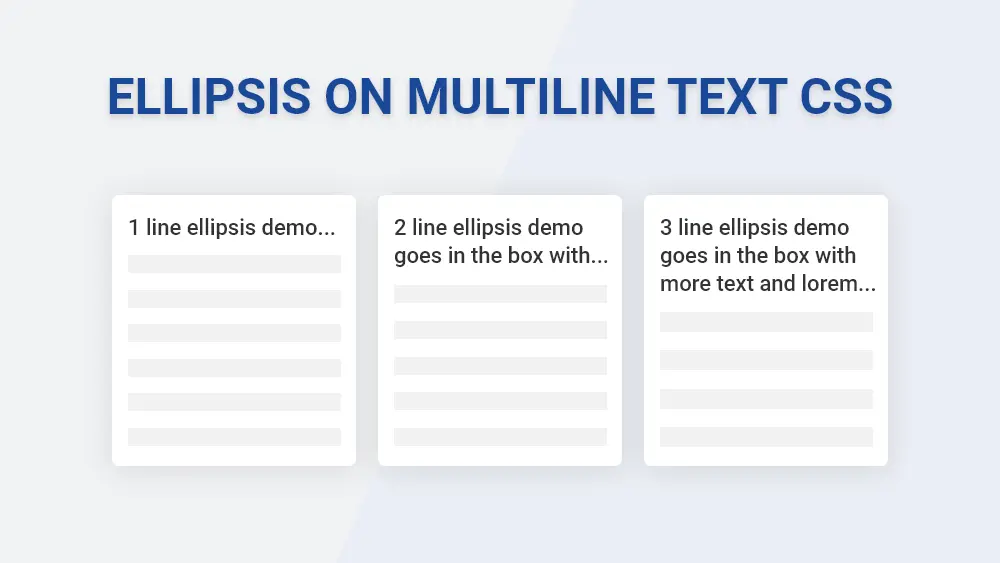
How to use suspension points to hide the rest of a text with CSS

This article will enable you to add suspension points to hide text. This is particularly useful when you don't want to break the style of your pages with a long first name or a book-length description.

December 11, 2024

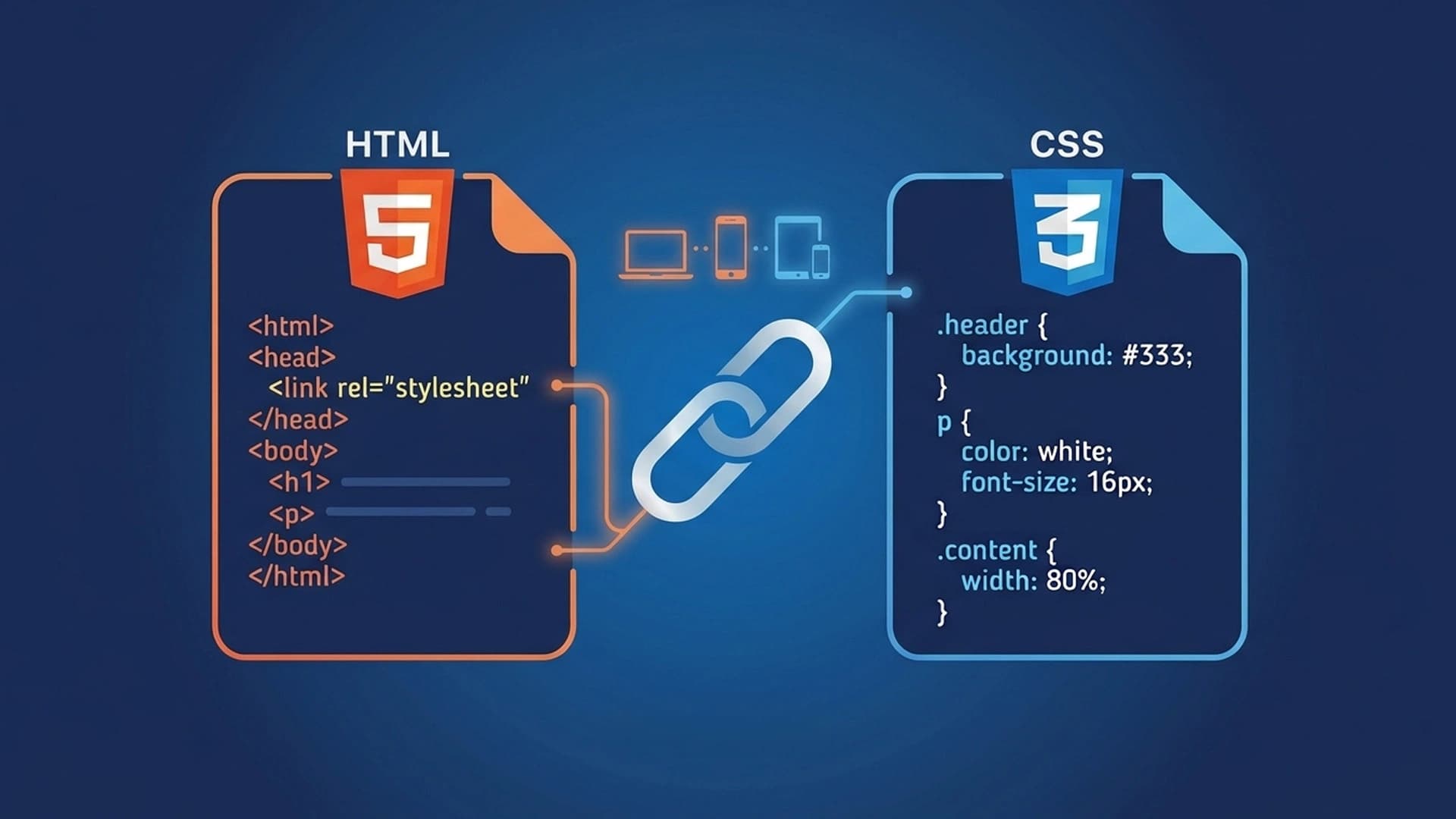
Link CSS to HTML: 3 Methods Explained Simply

Learn the 3 methods to link CSS to HTML: external stylesheet, internal style, and inline. Code examples, best practices, and common mistakes to avoid.

March 22, 2026

Create a full-screen menu on click

Having a menu has become an indispensable classic. But having a menu that takes up the whole screen is ideal when you want your site to be totally responsive (and therefore suitable for mobile devices, for example). This article will help you to set up a full-screen menu that is activated on click!

December 9, 2024

The complete guide to underlines (CSS)

All about all... You'll know all about underscores! All right, you recognize the music, don't you? In any case, underlines don't just underline our texts from time to time, they're a real stylization tool, allowing us to add bars below, but also above, in the form of waves, dotted lines, dashes... As you can see, we're going to take a look at all this in this article.

December 6, 2024

Create a menu that spans the entire page using CSS

From time to time we have to ask our visitors which page they want to go to, by displaying the main sections of our website. This menu is often not very pleasant to use, so let's find out together in this article how to make it much more modern, with beautiful animations that will make your passers-by want to visit your site!

December 9, 2024

How to truncate text with Text Ellipsis in CSS?

Learn how to truncate text that's too long with the CSS property text-overflow: ellipsis. Discover concrete examples of how to manage single-line and multi-line text, and optimize the user experience.

December 6, 2024

Become the solopreneur you dream of being.

First project, career change, business launch: access our courses, practice on real-world cases, and move forward with clear guidance.