How to use suspension points to hide the rest of a text with CSS

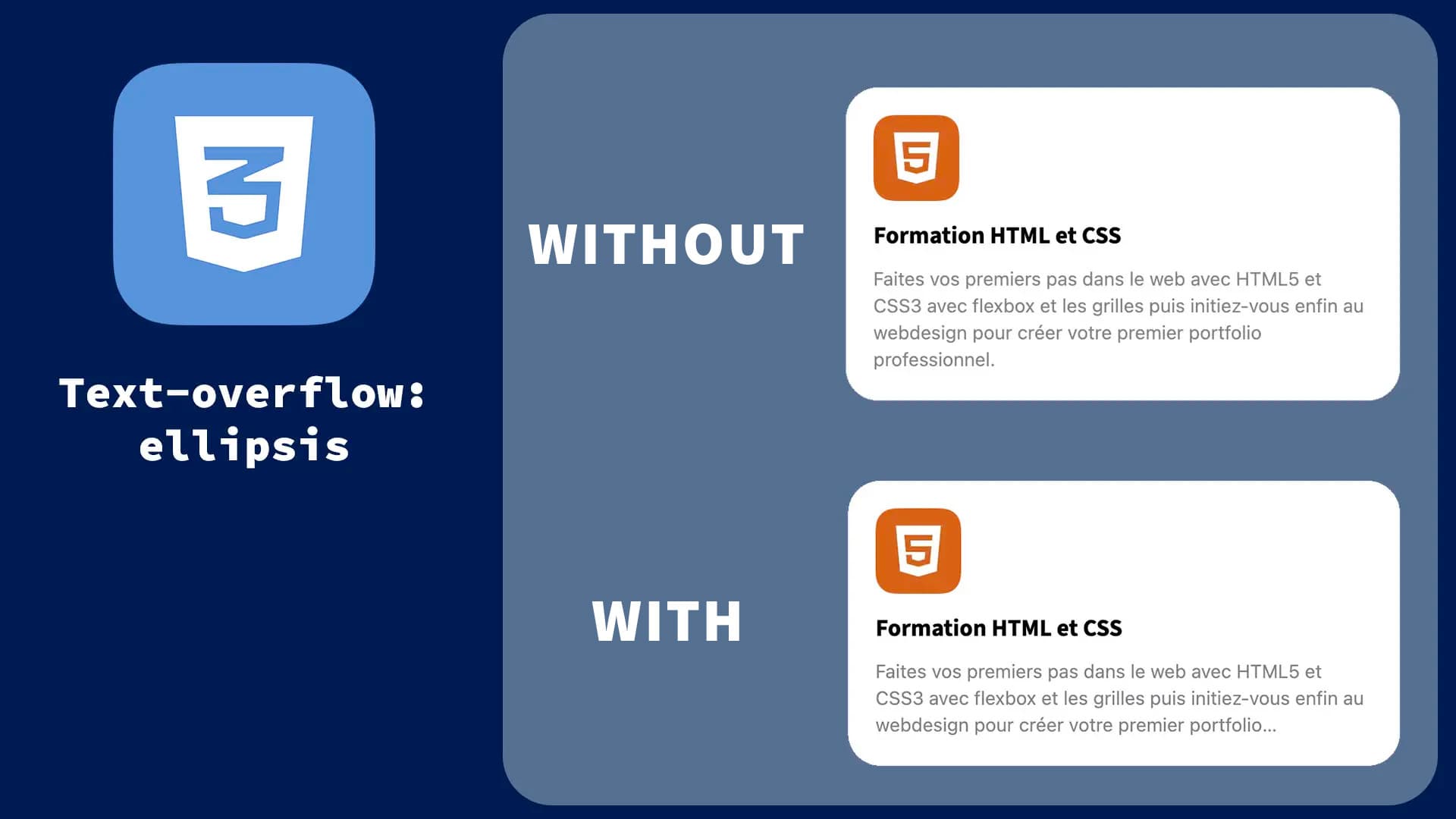
This article will enable you to add suspension points to hide text. This is particularly useful when you don't want to break the style of your pages with a long first name or a book-length description.
•
Updated on August 14, 2026
•
1 min read
Believemy logo
In this article

Let's Use overflow, text-overflow, and white-space.

Imagine a <p></p> tag:

HTML
<p>
  Lorem ipsum dolor sit amet, consectetur adipiscing elit, sed do eiusmod tempor incididunt ut labore et dolore magna aliqua. Dolor sit amet consectetur adipiscing 
  elit ut aliquam. Tristique sollicitudin nibh sit amet. In fermentum posuere urna nec tincidunt praesent semper feugiat. Cum sociis natoque penatibus et magnis dis 
  parturient.
</p>

This text is very long. Let's add a maximum width with max-width:

CSS
p {
    max-width: 300px;
}

Our objective now is to limit our text to a single line. To achieve this, we will apply the following style:

CSS
p {
    max-width: 300px;
    overflow: hidden;
    text-overflow: ellipsis;
    white-space: nowrap;
}

We have several properties:

  • max-width - To set a maximum width not to exceed;
  • overflow - Which hides the text that overflows;
  • text-overflow - Describes what the browser should do if the text overflows onto multiple lines;
  • white-space - Controls how whitespace is handled (we don't want line breaks if there is a space, so the ellipsis works).

Congratulations! You now know how to display ellipsis at the end of text!

Category: Developers
Share this article

Want to help us? Share this article on your networks or even better: on your site, in an article or in your newsletter.

Believemy logo
Comments (0)

You need to be logged in to comment on this article: log in or sign up.

Read next

Creating a cascading animation on text

For a slogan or for an animation on a very important page of your project, this very modern effect is also very easy to achieve. Let's take a look at how to do it in this article.

December 9, 2024

How to truncate text with Text Ellipsis in CSS?

Learn how to truncate text that's too long with the CSS property text-overflow: ellipsis. Discover concrete examples of how to manage single-line and multi-line text, and optimize the user experience.

December 6, 2024

Create hover text on image with CSS

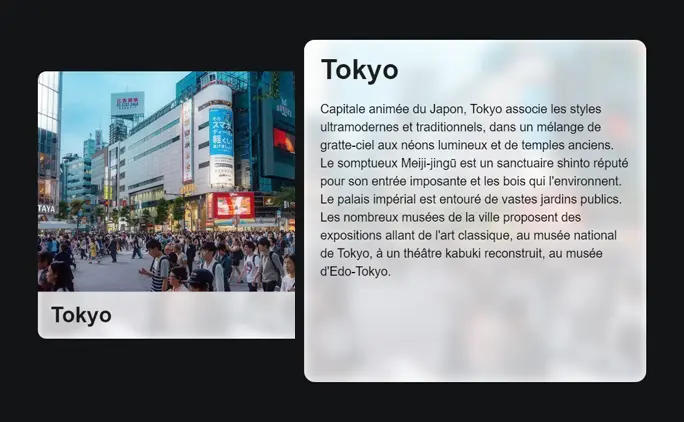
We've already seen how to create an element that is displayed when the mouse hovers over an image, but in this article we'll show you how to display a whole host of information very fluidly by hovering the mouse over an element!

December 9, 2024

Create a text rotation effect

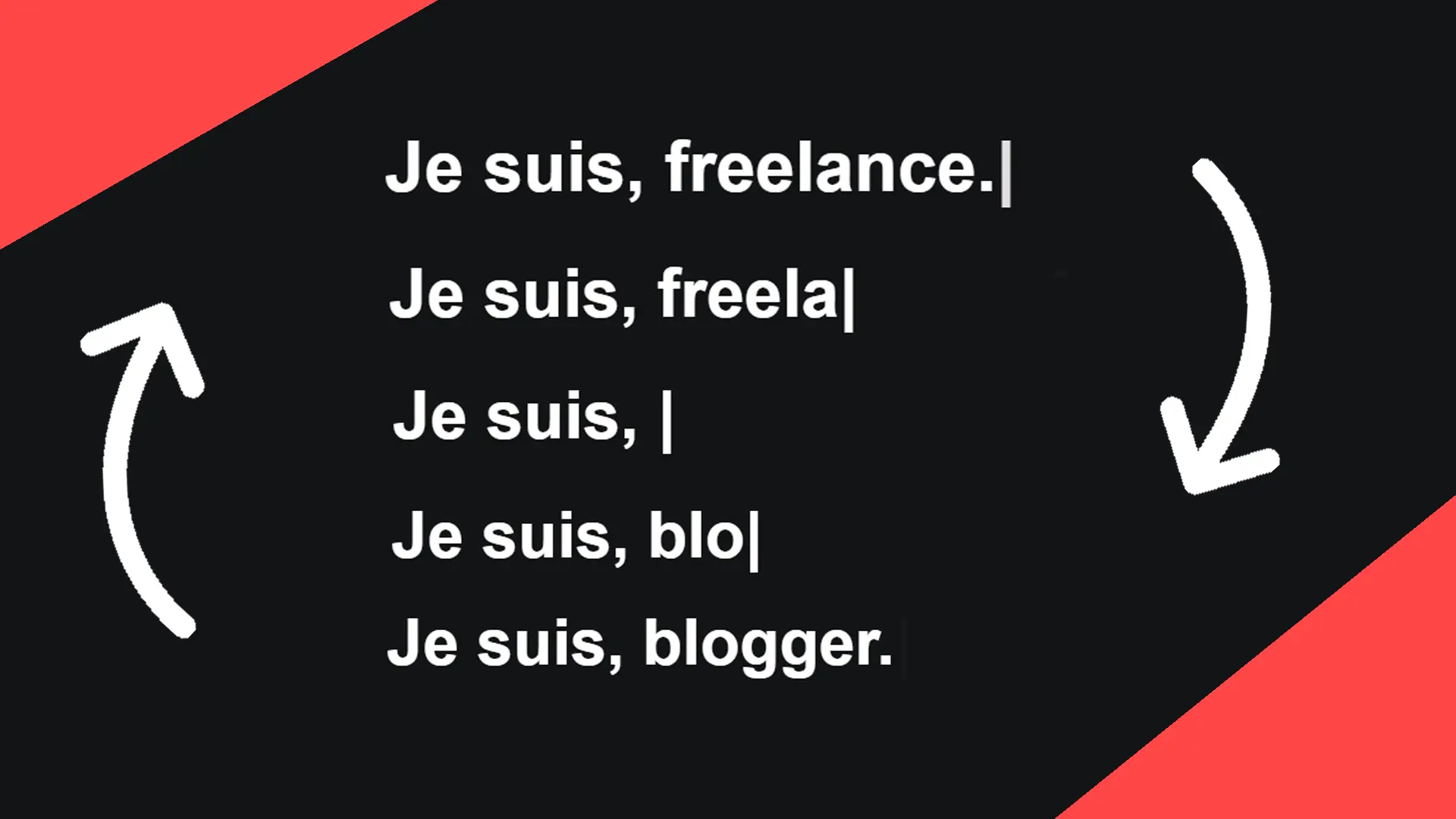
To make your site more attractive, you could add this cool effect, which will display several words in succession with a looping deletion and rewriting effect. This effect can be placed at the end of a sentence, as in a text.

December 11, 2024

The complete guide to underlines (CSS)

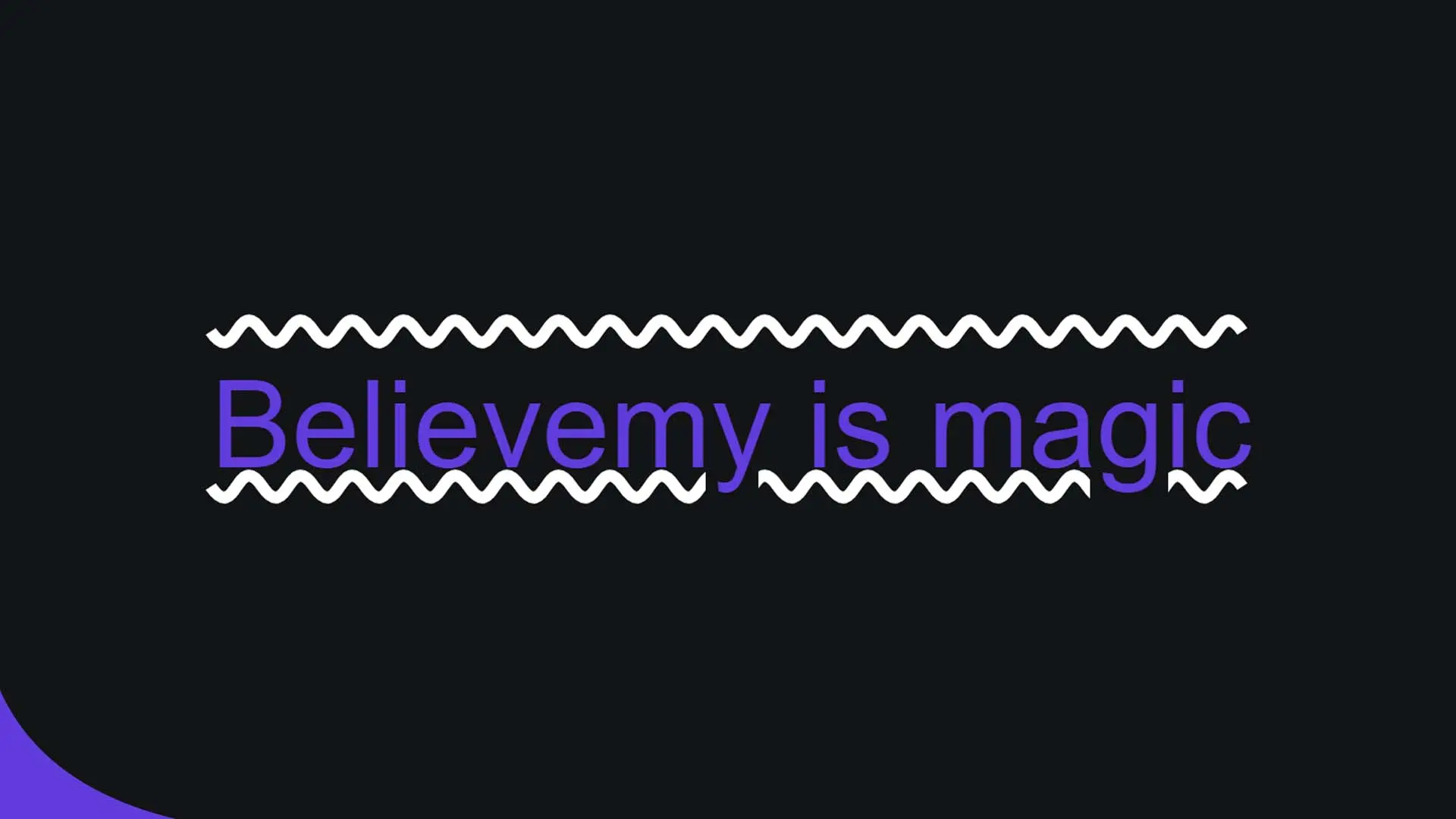
All about all... You'll know all about underscores! All right, you recognize the music, don't you? In any case, underlines don't just underline our texts from time to time, they're a real stylization tool, allowing us to add bars below, but also above, in the form of waves, dotted lines, dashes... As you can see, we're going to take a look at all this in this article.

December 6, 2024

Creating an animated list with CSS

Let's find out how to create an animated hover list!

December 9, 2024

Creating text with integrated background

If you're looking for a very modern and effective way to style your headlines, take a look at how using a background to style the colour of your text can be incredibly innovative.

December 9, 2024

Create a menu that spans the entire page using CSS

From time to time we have to ask our visitors which page they want to go to, by displaying the main sections of our website. This menu is often not very pleasant to use, so let's find out together in this article how to make it much more modern, with beautiful animations that will make your passers-by want to visit your site!

December 9, 2024

Become the solopreneur you dream of being.

First project, career change, business launch: access our courses, practice on real-world cases, and move forward with clear guidance.