Centering with CSS is often a real pain! You always end up not knowing how to do it, especially when you're a beginner.
So keep this article in your favorites to save yourself from searching the internet every time.
With CSS, we can center elements in several ways:
- with grids
- with flexbox
- with the
positionproperty - with external margins
- with the
text-alignproperty
Centering with Grids
Add this code to the tag that groups the elements you want to center:
.items {
    display: grid;
    place-items: center;
}
Centering with Flexbox
We can also center using flexbox by grouping all elements to center in a parent tag (which we use as .items).
.items {
    display: flex;
    justify-content: center;
    align-items: center;
}
Centering with the position Property
Another option is to use the position property to have our element centered in the middle of its parent element.
.item {
    position: absolute;
    top: 50%;
    left: 50%;
    margin-right:
    transform: translate(-50%, -50%);
}
Centering with External Margins
Nothing could be simpler with this method: just use the margin property specifying an auto value.
.item {
    margin: 0 auto;
    width: 50%;
    display: block;
}
Centering with the text-align Property
Finally, we can center text using the text-align property that we all know.
.item {
    text-align: center;
}
Conclusion
Now, it's impossible to not know how to center with CSS!
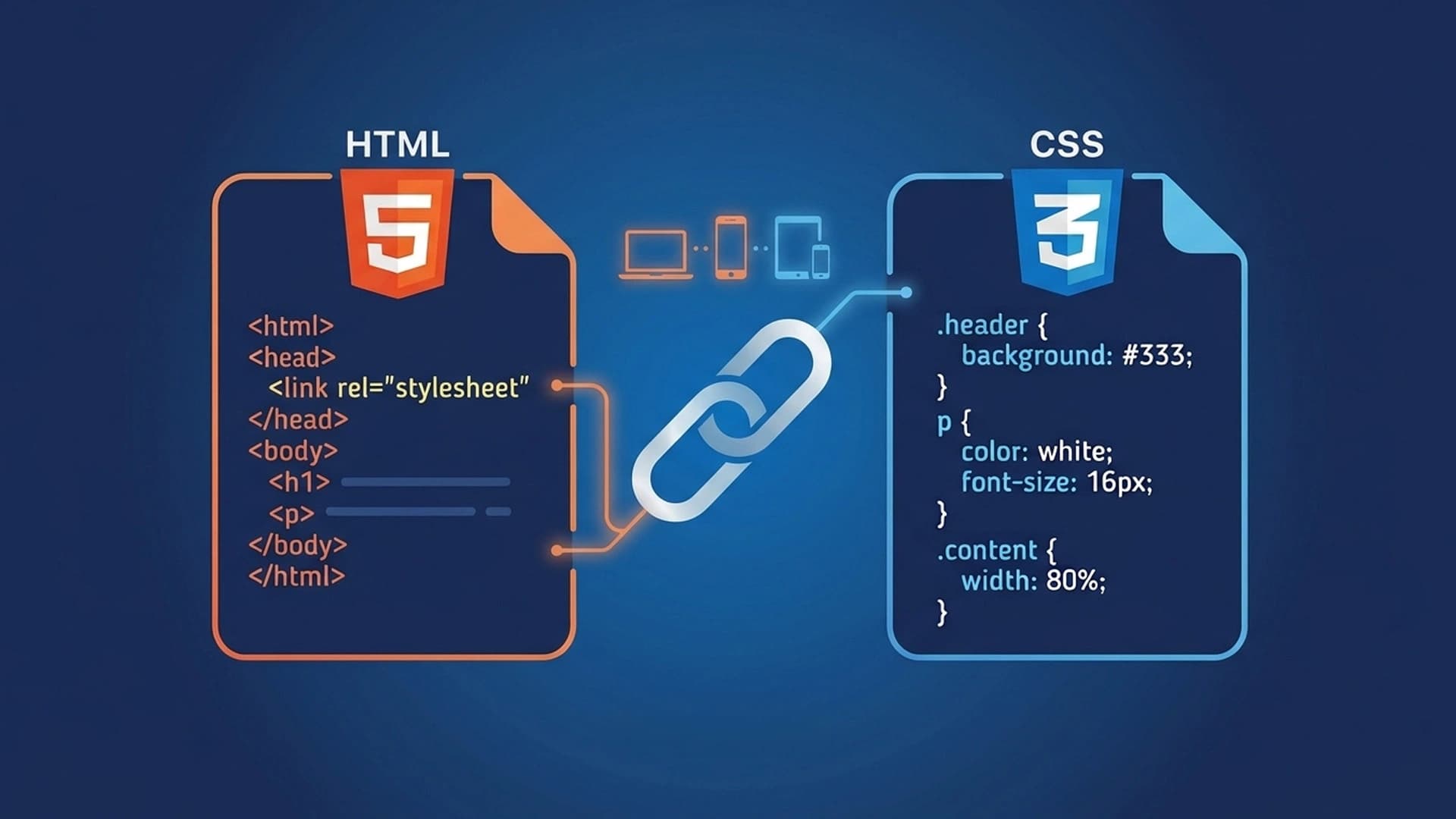
If you want to learn more about HTML and CSS, take a minute to check out our complete formation on HTML and CSS. ✨