HTML, CSS, JavaScript, React, Next.js, Git: step-by-step tutorials to build your own website or tool.
Having a menu has become an indispensable classic. But having a menu that takes up the whole screen is ideal when you want your site to be totally responsive (and therefore suitable for mobile devices, for example). This article will help you to set up a full-screen menu that is activated on click!
The more modern a form, the more engaging it is. In this article, we'll look at how to create a form with dynamic labels that will increase the engagement of your forms and make your users want to fill them in.
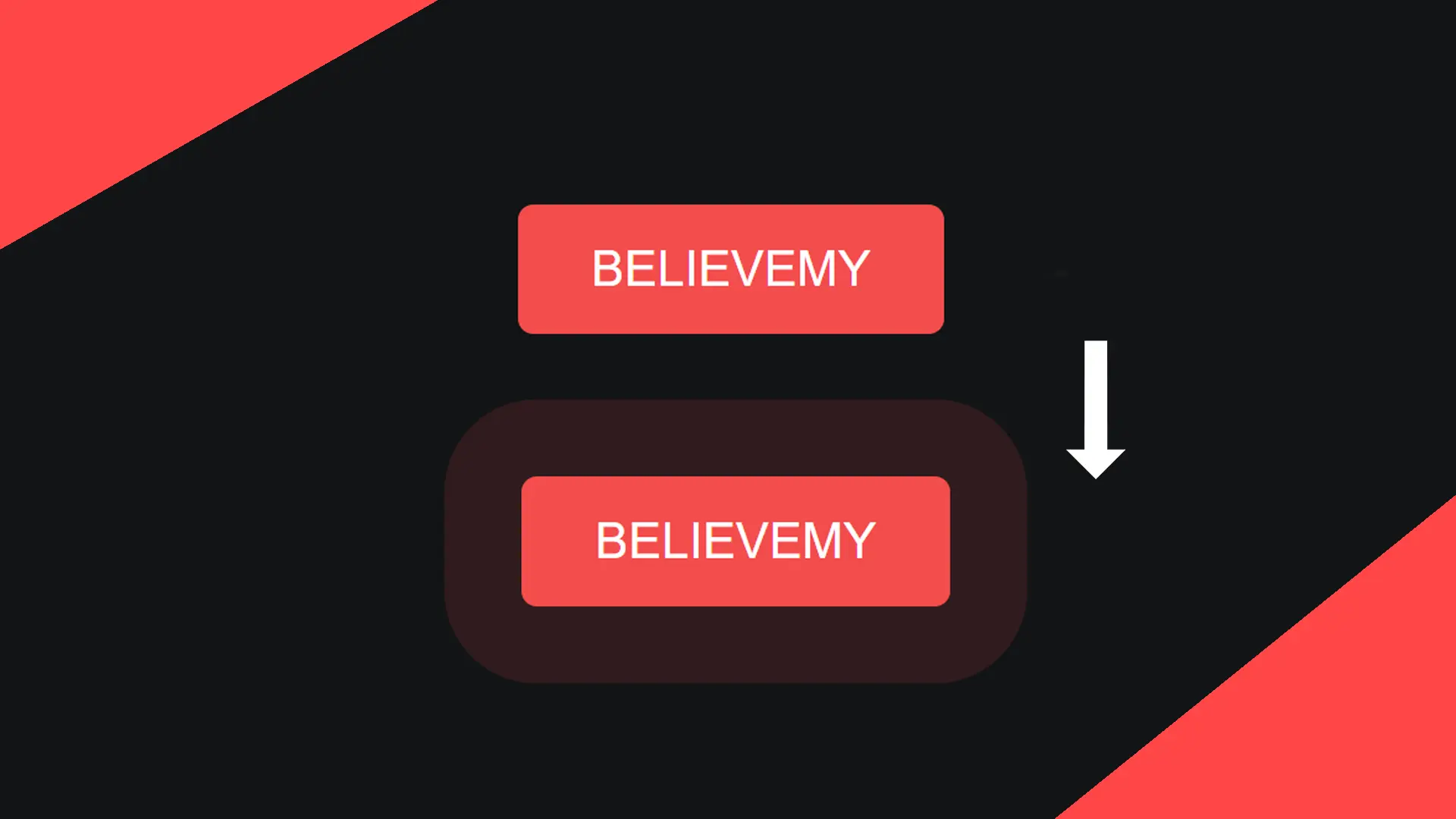
The buttons on a site are the main triggers for action: styling them and making them dynamic is very important in your development process! That's the aim of this article.
In this tutorial we'll look at how to create an overlay easily using CSS!
For a main button or even for a button you want to highlight, offering this heartbeat effect can give your website a very modern feel. Find out how in this article.
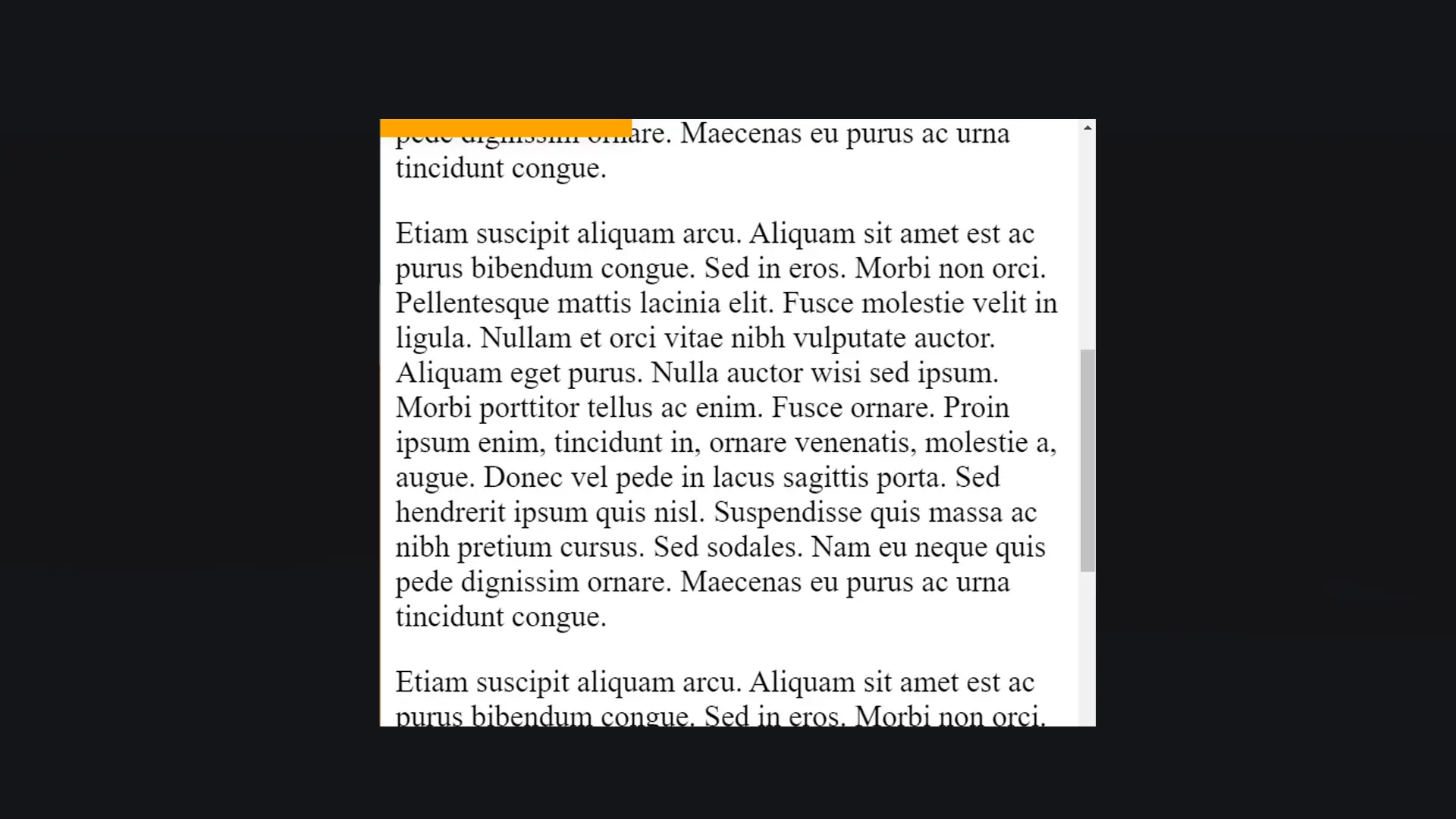
Whether you have a blog or content to read, offering a reading progress bar is really necessary for the comfort of your users. This article will show you how!
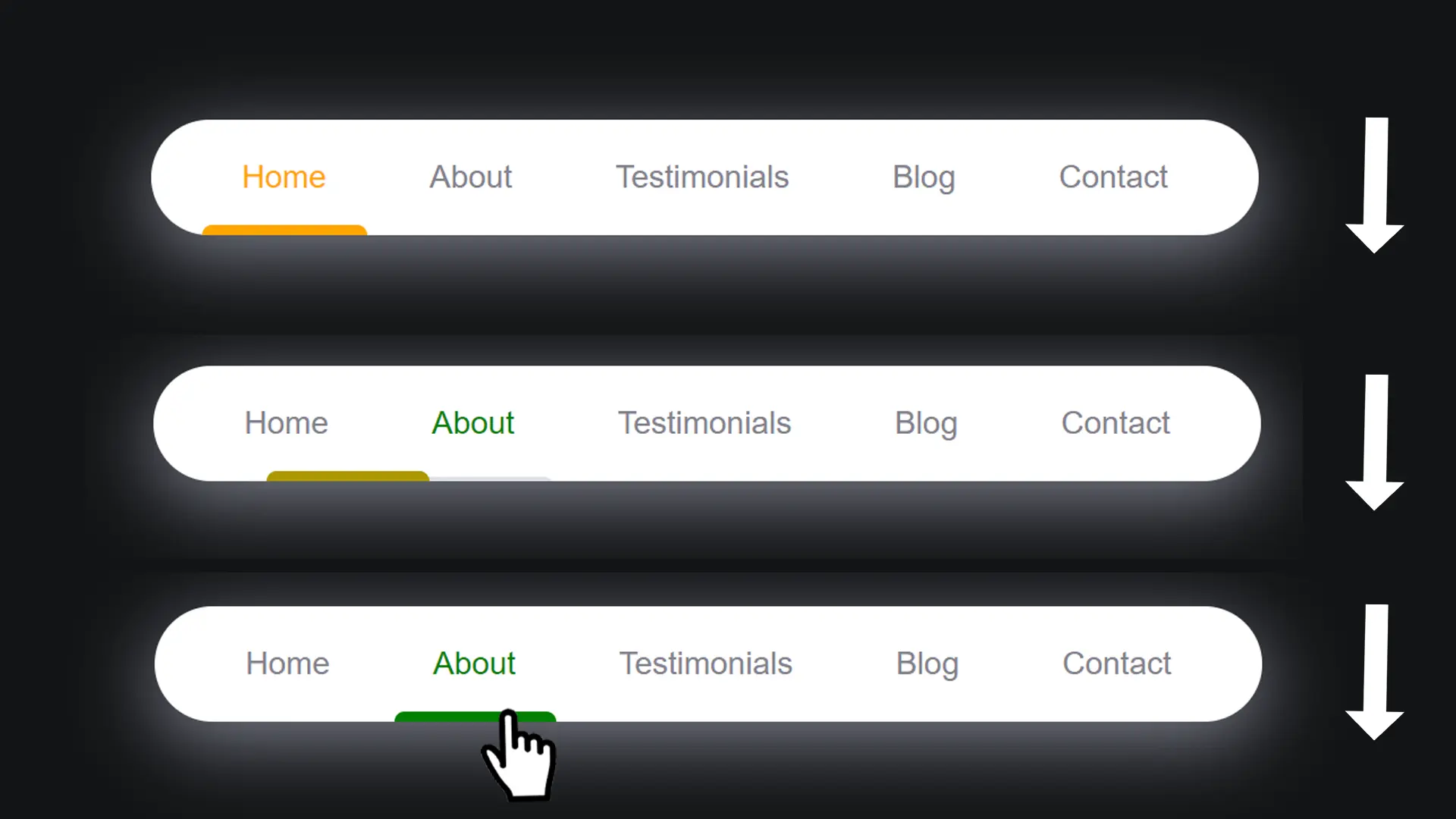
Have you always wanted a dynamic navigation bar with an indicator that glides smoothly underneath the new page you're on? This navigation bar is exactly what you need!