Create a playback progress bar

Whether you have a blog or content to read, offering a reading progress bar is really necessary for the comfort of your users. This article will show you how!
•
Updated on August 14, 2026
•
2 min read
Believemy logo
In this article

Whether you have a blog or content to read, providing a reading progress bar is truly necessary for the comfort of your users. This article will teach you how to do it!

You can find the entire tutorial on our Instagram account.


Step 1

The HTML code to place the progress bar.

HTML
<div class="progress_bar"></div>

A simple class is enough in the HTML. As for the content, you can use lipsum.com to find placeholder text.


Step 2

Now let's style the progress bar.

CSS
.progress_bar {
  height: 10px;
  background: orange;
  position: fixed;
  top: 0;
  left: 0;
  right: 0;
  box-shadow: 0 0 10px rgba(0, 0, 0, .1);
}

Here, we place the progress bar in a fixed position so that it always stays at the top of the screen.

By specifying top, left, and right, we ensure that it occupies the entire width.


Step 3

Our progress bar is placed and styled, so now let's handle the JavaScript.

JAVASCRIPT
const progressBar = document.querySelector('.progress_bar');
progressBar.style.display = "none";

window.addEventListener('scroll', handleScroll);

function handleScroll() {
  progressBar.style.display = "block";
  const height = document.body.scrollHeight; // site height
  const windowHeight = window.innerHeight; // viewport height
  const position = window.pageYOffset; // pixel position of the document
  
  const trackLength = height - windowHeight; // site height - the part currently displayed on the screen (example: 1000px)
  
  const percentage = 
        Math.floor((position / trackLength) * 100); // percentage of the site already scrolled
  
  progressBar
      .style.right = 100 - percentage + '%';
}

Thanks to addEventListener, we execute the handleScroll function on every scroll movement in the browser (using the window object).

We then calculate the difference between the document height (height) and the user's viewport height (windowHeight) to detect the displayed percentage.

We then shift the progress bar by x% based on the content remaining to be displayed.

If you want to have an advanced reading progress bar, with the display of the remaining percentage to read, you can find a demonstration with the associated source code here: see the improved version
Category: Developers

Share this article

Want to help us? Share this article on your networks or even better: on your site, in an article or in your newsletter.

Believemy logo
Comments (0)

You need to be logged in to comment on this article: log in or sign up.

Read next

Playing with blurs and filters on presentation cards with CSS

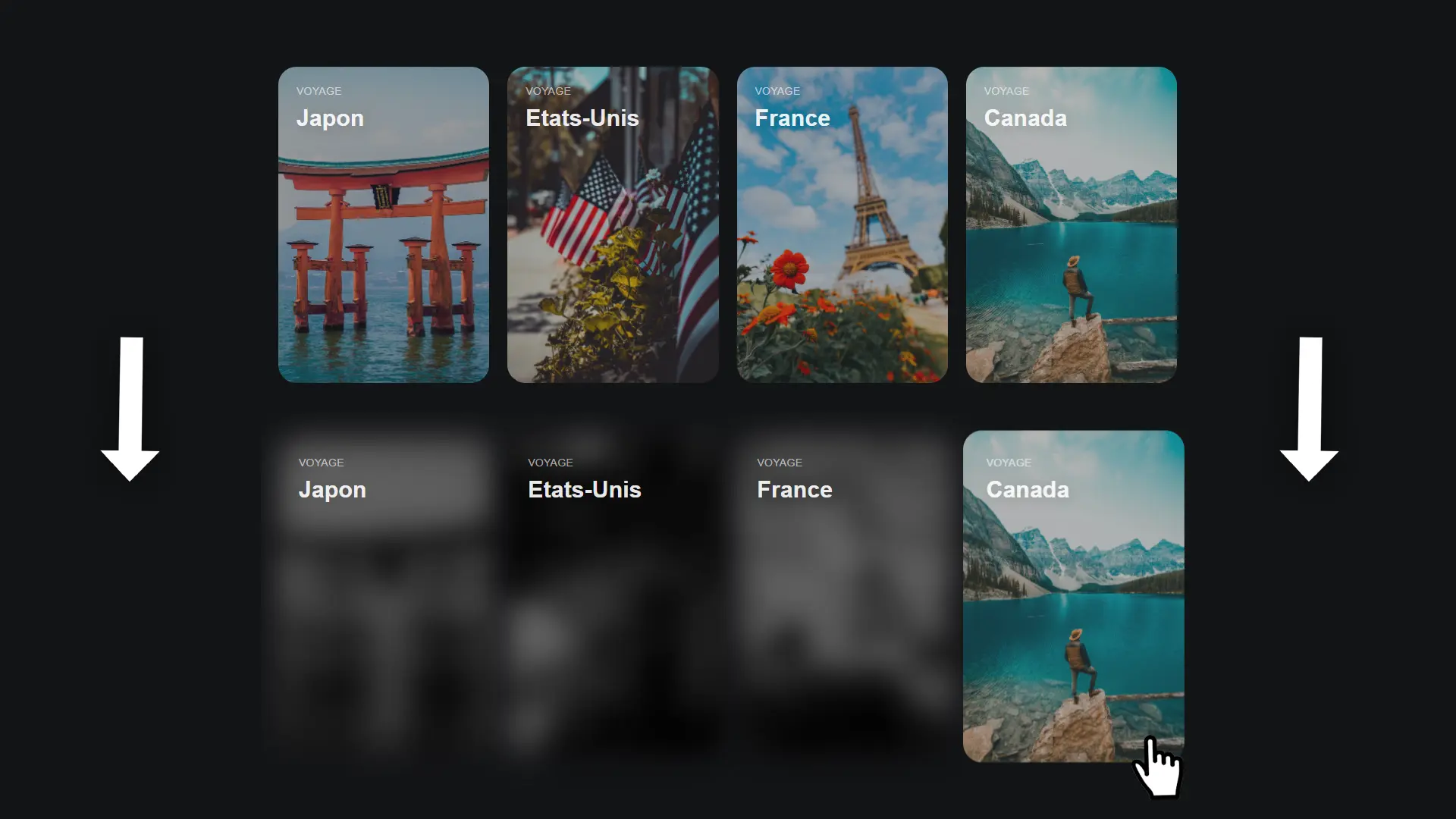
Looking for a way to display your latest blog posts or projects in a modern, animated way? These cards will go perfectly with your website! Let's find out how to make them.

December 9, 2024

Display a number progressively on a counter with JavaScript

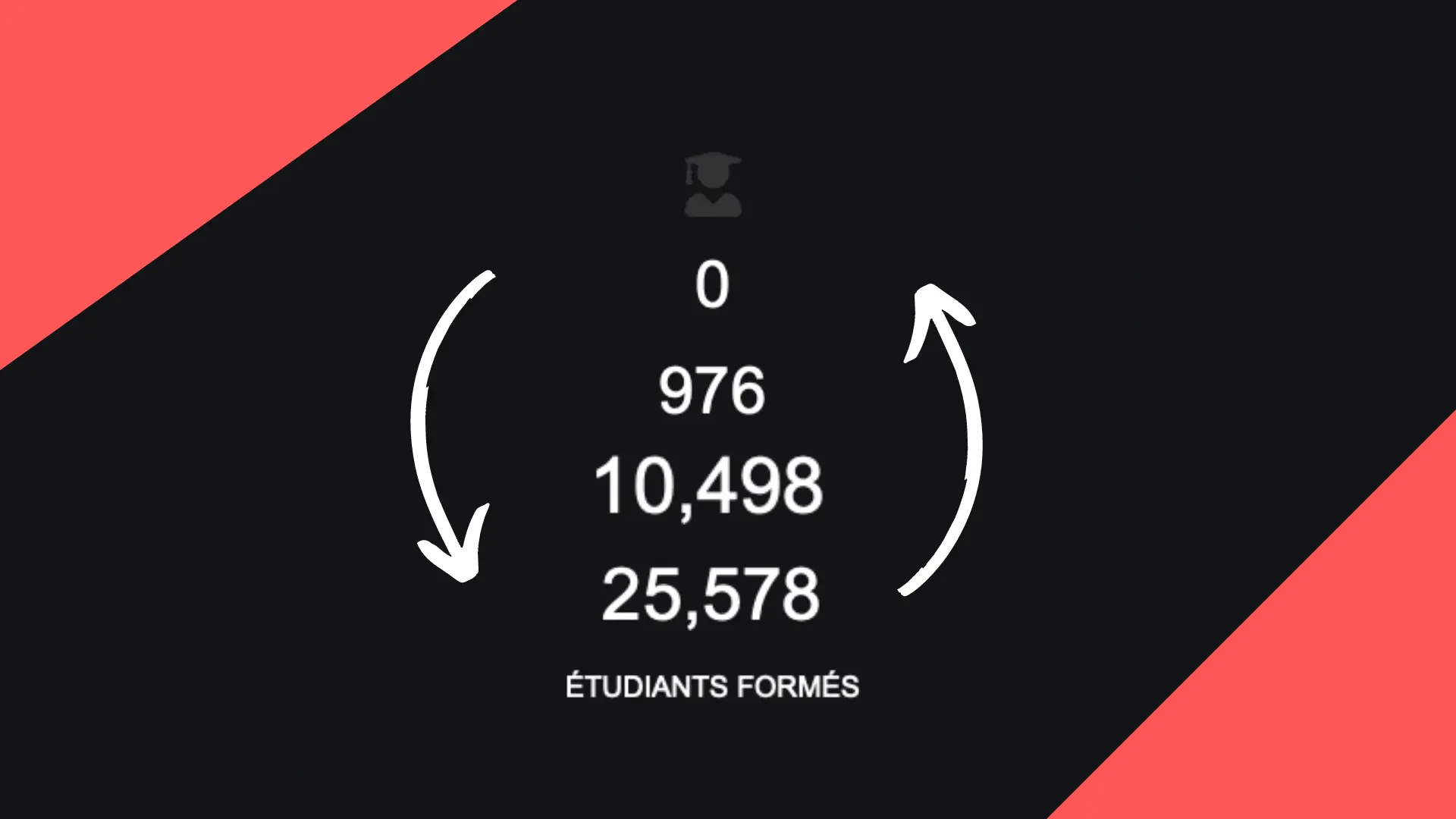
When we have numbers to display, we often present them blandly and without animation. And yet: creating an animation that progressively displays the final number is very easy to do and will enable you to liven up your numbers! Let's see how in this article.

December 11, 2024

Create a custom scrollbar

Why not take a look at how to create a custom scrollbar? That's the whole point of this article!

December 9, 2024

Create a menu that spans the entire page using CSS

From time to time we have to ask our visitors which page they want to go to, by displaying the main sections of our website. This menu is often not very pleasant to use, so let's find out together in this article how to make it much more modern, with beautiful animations that will make your passers-by want to visit your site!

December 9, 2024

Create a navigation bar with an animated indicator

Have you always wanted a dynamic navigation bar with an indicator that glides smoothly underneath the new page you're on? This navigation bar is exactly what you need!

December 6, 2024

Create an image slideshow

Let's discover together how to create a simple and effective image slideshow using HTML, CSS and JavaScript!

December 6, 2024

Create a text rotation effect

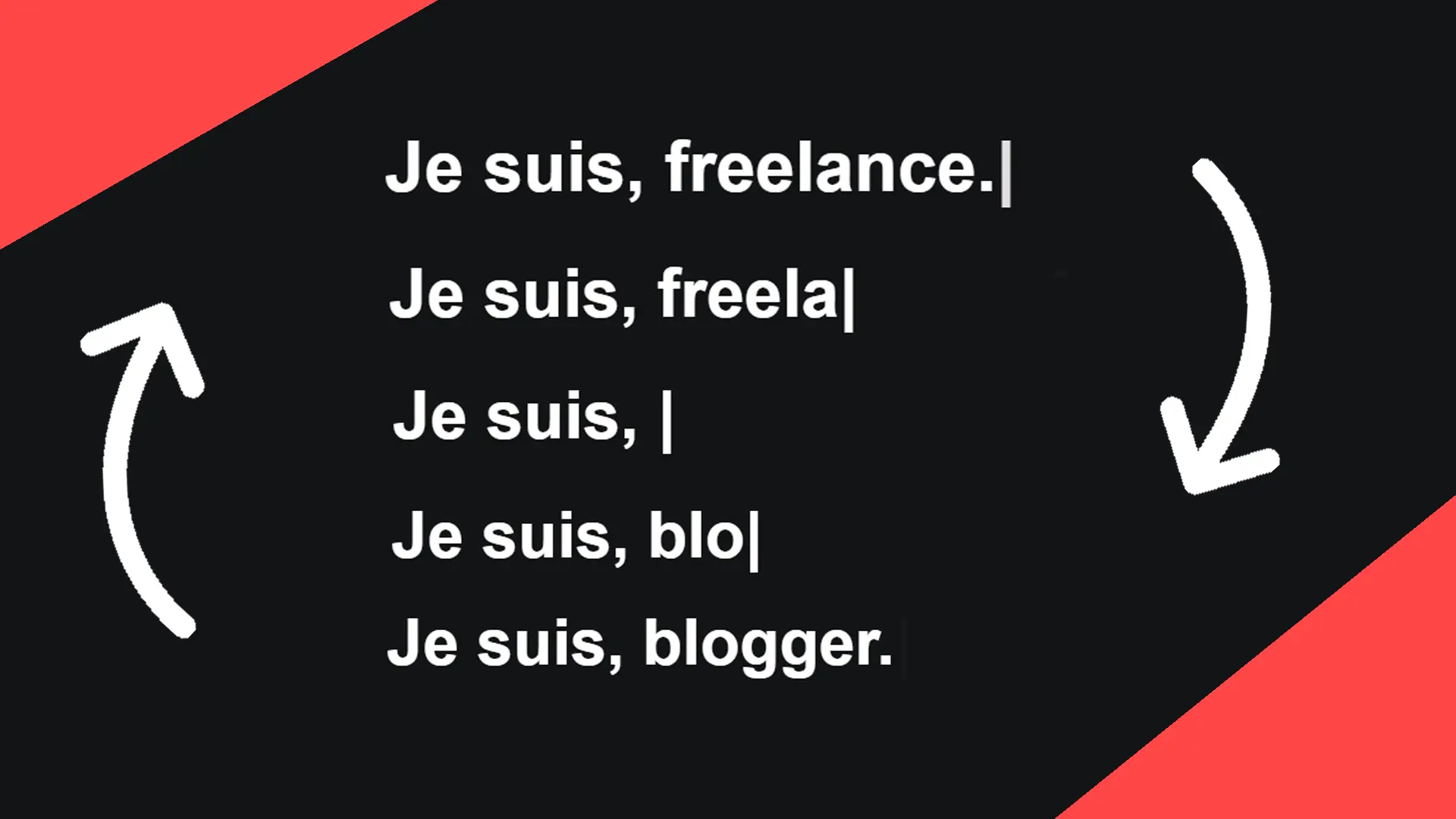
To make your site more attractive, you could add this cool effect, which will display several words in succession with a looping deletion and rewriting effect. This effect can be placed at the end of a sentence, as in a text.

December 11, 2024

Make an arrow that expands when hovered over with CSS

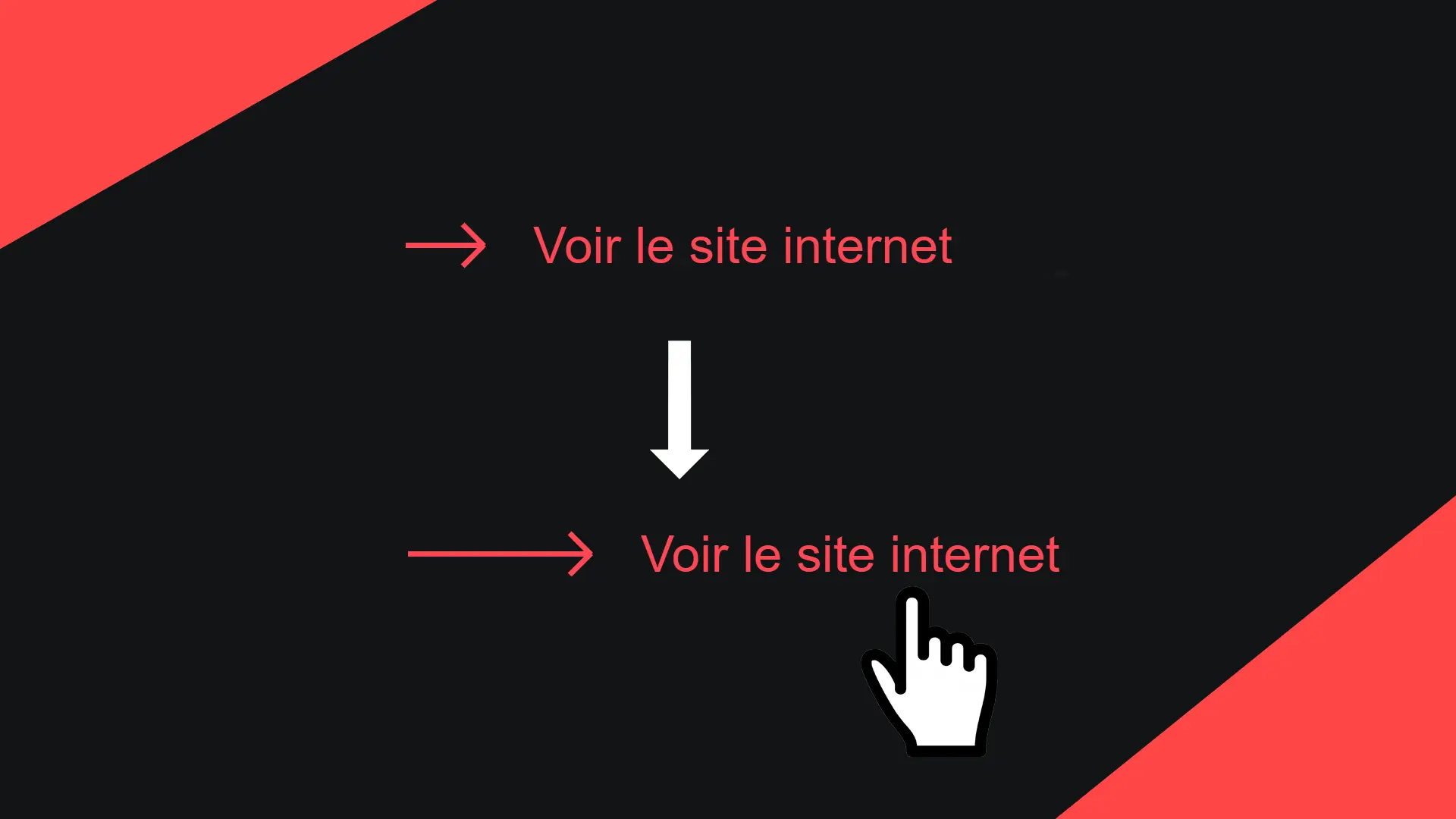
Whether it's to make your users want to see your project, read your article or access a page on your website, presenting your link with an arrow will make it easier to catch your visitors' eye! Let's find out in this article how to animate this arrow to enhance your readers' experience.

December 9, 2024

Become the solopreneur you dream of being.

First project, career change, business launch: access our courses, practice on real-world cases, and move forward with clear guidance.